Following hot on the heels of our Quotivity Templates release, we had another big month of improvements to Quotivity. New features across e-sign, Slack approvals, custom code in templates, and pricing — plus a set of smaller improvements that clean up the day-to-day quoting experience in ways that add up.
Here’s what shipped.
New Features
Electronic Signatures, Powered by DocuSign
Quotivity quotes can now be sent for electronic signature. We use DocuSign — the most trusted name in e-signatures — to handle the signing experience.
A lot of work went into making sure quotes look great for print and mobile viewing — whether a signer is reviewing on their phone, a tablet, or printing a hard copy before signing.
Custom Code Module
There’s SO much you can do with Quotivity templates out of the box — and you can take it even further with the powerful HubSpot CMS editor powering the designer. But when you need to get into the code — for fine-tuning the styling, or even adding dynamic functionality, the Quotivity Template Designer now includes a Custom Code module, giving template authors the ability to write free-form HTML and LiquidJS directly in their quote templates. This unlocks fully custom sections, conditional display logic, and data-driven design elements — all pulling from live HubSpot quote, deal, company, contact, and line item data.
For those less familiar with LiquidJS, a built-in AI Copilot can generate or modify code from a plain-English description — and it knows your HubSpot properties natively.
Custom columns in the line item table also support custom code, allowing calculated or conditional columns scoped to each line item row.
Learn more about it on our Knowledge Base.
Slack Approval Notifications
Approvers can now receive approval requests directly in Slack. When an approval is triggered, Quotivity DMs the approver and also notifies a Slack channel to keep the entire team up to date.
Admins can configure whether approval notifications go out via email, Slack, or both.
Company-Assigned Price Books (Enterprise)
Price books can now be assigned directly to a company record in HubSpot. When a quote is created, Quotivity checks for a price book on the company — so the right pricing is applied automatically without needing a rule for every customer.
Improvements
Full-Width Line Item Columns
Line item columns can now be designated as full-width, rendering as a separate row that spans the entire table width rather than a standard column. This is useful for fields like description or notes that are too long to fit cleanly in a narrow column.
Calculated Pricing Rounding
Calculated pricing formulas now support a “round to two decimals” option. This is especially useful in organizations that sell quantities by dimensions like weight or length, and have high volume.
Manual Entry Deal Amount
A “Manual Entry” option is now available in the Quote Builder’s deal amount setting. When selected, Quotivity syncs line items and discounts to the deal as usual but does not overwrite the deal amount — matching HubSpot’s native manual entry behavior.
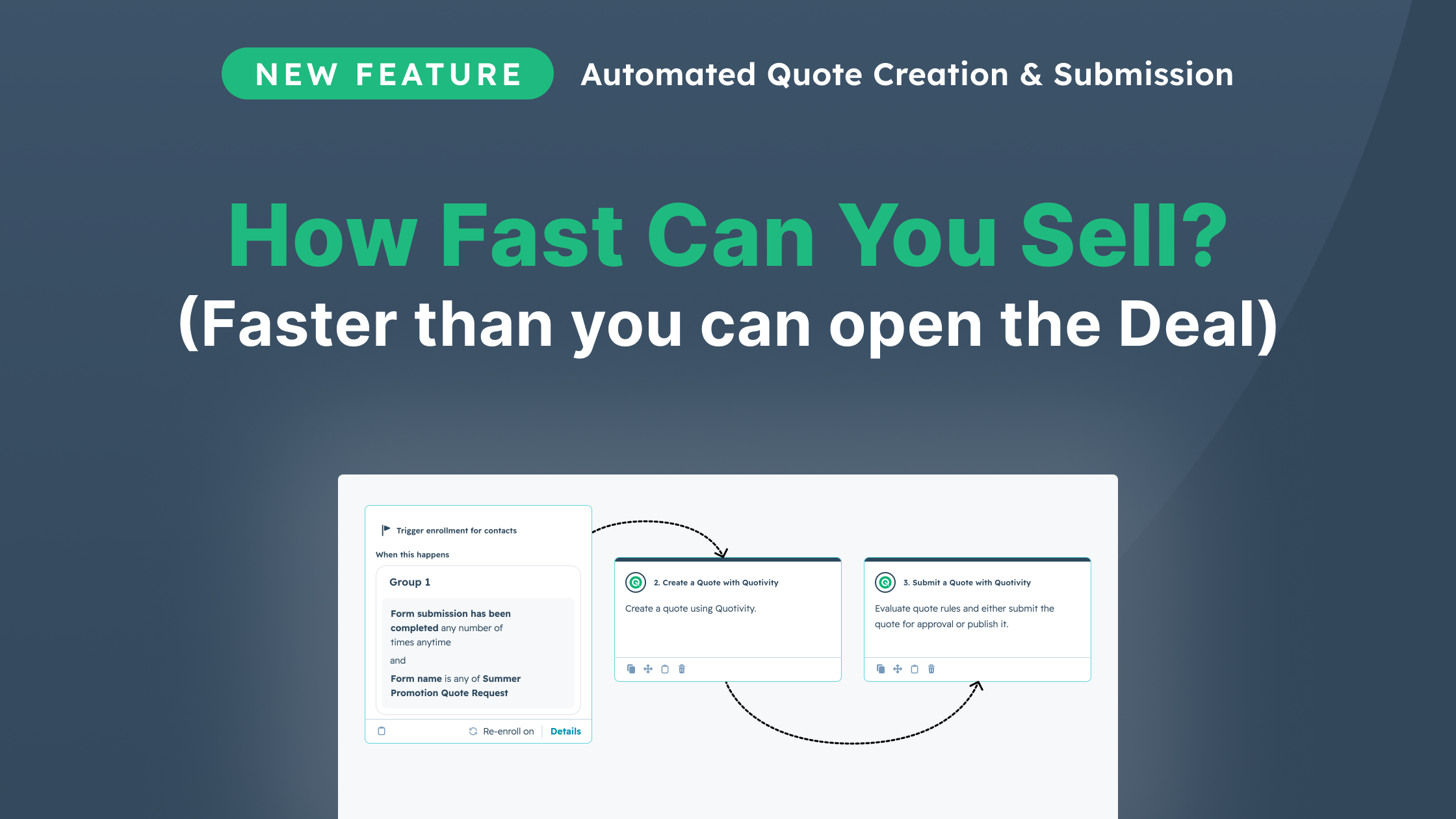
April was a big month — and May is shaping up to be even bigger. Next up: Dynamic Property Sets, giving your reps the right product properties on every quote automatically, and automated quote creation directly from HubSpot workflows. More soon.