May was the month quoting stopped needing a human in the loop.
HubSpot workflows can now create a quote, run it through your rules, and publish it without a rep touching anything. That's the headline, but four other updates shipped alongside it, covering the Quote Builder, templates, and approvals.
Here's the rundown.
Workflows can now create and submit quotes on their own
Two new HubSpot workflow actions handle the whole quoting motion.
The first creates the quote. When a workflow fires (a form submission, a deal stage change, whatever trigger you choose), Quotivity builds the quote using your rules engine and everything already in your CRM. Since no rep is in the room when it happens, there's a new account preference that sets the default user for automatically created quotes, so ownership and permissions stay clean.
The second submits it. The Submit Quote action runs the same evaluation a rep would trigger by hand, and it handles every rule outcome:
- If a block rule catches something, the quote stops and a "Blocked Automatic Quote Submission" event is recorded, you can notify the Deal Owner, and nothing slips out quietly.
- If an approval rule applies, the quote enters your approval flow like any other submission. These quotes are marked with quotivity_auto_submitted = Yes, so you can report on them or route them differently.
- If the quote passes everything, it publishes automatically.
Your guardrails apply to automated quotes exactly the way they apply to manual ones. A workflow can't skip an approval, and it can't push a quote past a block rule.
Both actions are available now for Enterprise customers. For the full walkthrough of what the rules engine decides between trigger and send, read From Form Submission to Signed Quote: Hands-free.
The right line item properties, at the right time
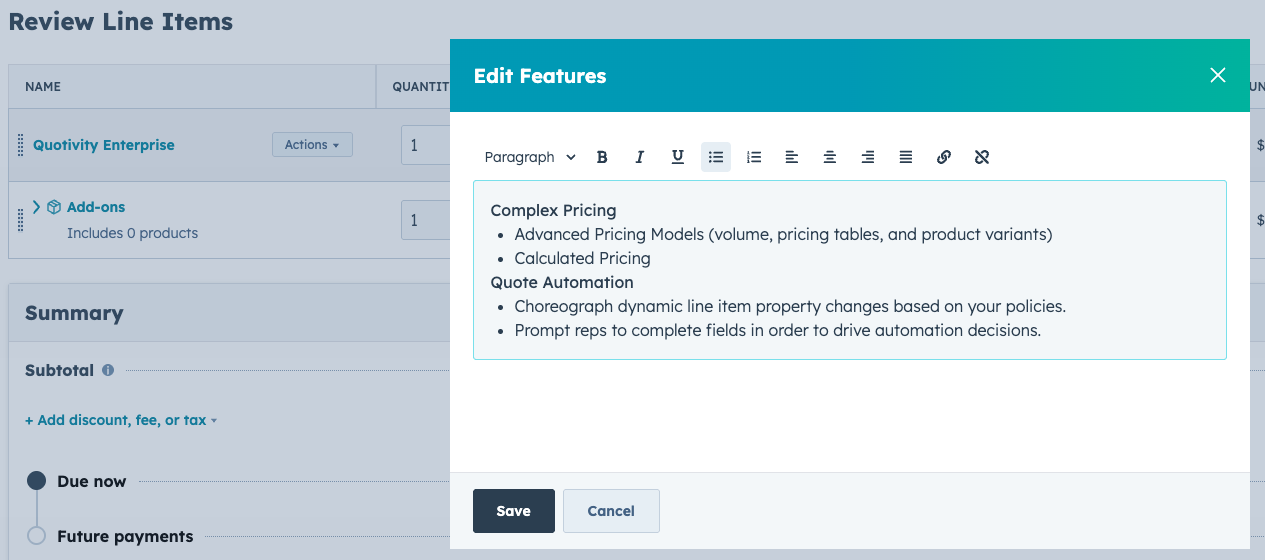
Dynamic Property Sets lets admins define condition-based rules that control which HubSpot line item properties appear on each product in the Quote Builder. A rep quoting doors sees door properties. A rep quoting windows sees window properties, with drop-down options scoped to windows.
Admins can mark properties as required or optional, and validation holds the quote until every required field is filled. The spec details that used to live in side emails now get captured at quote time, on the line item, where your downstream teams can find them.
Available now for Enterprise customers. The full announcement is here: Capture every detail. Quote at full speed.
Group rich text blocks in your templates
The new Rich Text Group module lets you stack multiple rich text blocks under a single section of a quote template. Each child block carries its own conditions and configuration, so individual blocks can show or hide based on the deal.
Before this, adding a series of rich text sections meant modifying the HubSpot design template. Now you add a group and build inside it. It's a natural fit for text-heavy templates like license agreements, where clauses come and go depending on what's being sold.
Approvals now thread in Slack
Approval activity in your configured Slack channel now posts as a single threaded conversation instead of separate messages. The thread captures the original submission notice, which approvers were notified, each approval or rejection as it happens, and the final outcome.
The whole history of an approval lives in one place, and your channel stays readable. If you've ever scrolled back through a channel trying to reconstruct who approved what and when, this one's for you.
Start quoting the moment you install
Every new Quotivity account now has Quotivity Templates enabled by default. Install the app, build a quote, send it. No template setup standing between you and your first published quote.
Questions?
If you want help turning any of these on, reach out to your account team or email support@quotivity.com. And if you're building something with the new workflow actions, tell us about it. What customers do with these directly shapes what we build next.