The right product questions, asked at the right time. Dynamic Property Sets ensures nothing gets missed between the quote and the handoff.
Businesses don’t sell one-size-fits-all products.
But capturing product-specific details at quote time has always been harder than it should be. Most teams settle for incomplete information, with specs collected in side emails, notes buried in description fields, or details that simply don’t make it onto the quote at all.
That’s a problem that compounds downstream. For many companies, a quote isn’t just a pricing document for the customer. It’s also the handoff artifact that tells the engineering or implementation team exactly what was sold. When specs are missing or scattered, that handoff breaks. Teams end up chasing down details that should have been captured during the sales cycle, and errors surface after the deal is already closed.
Introducing Dynamic Property Sets
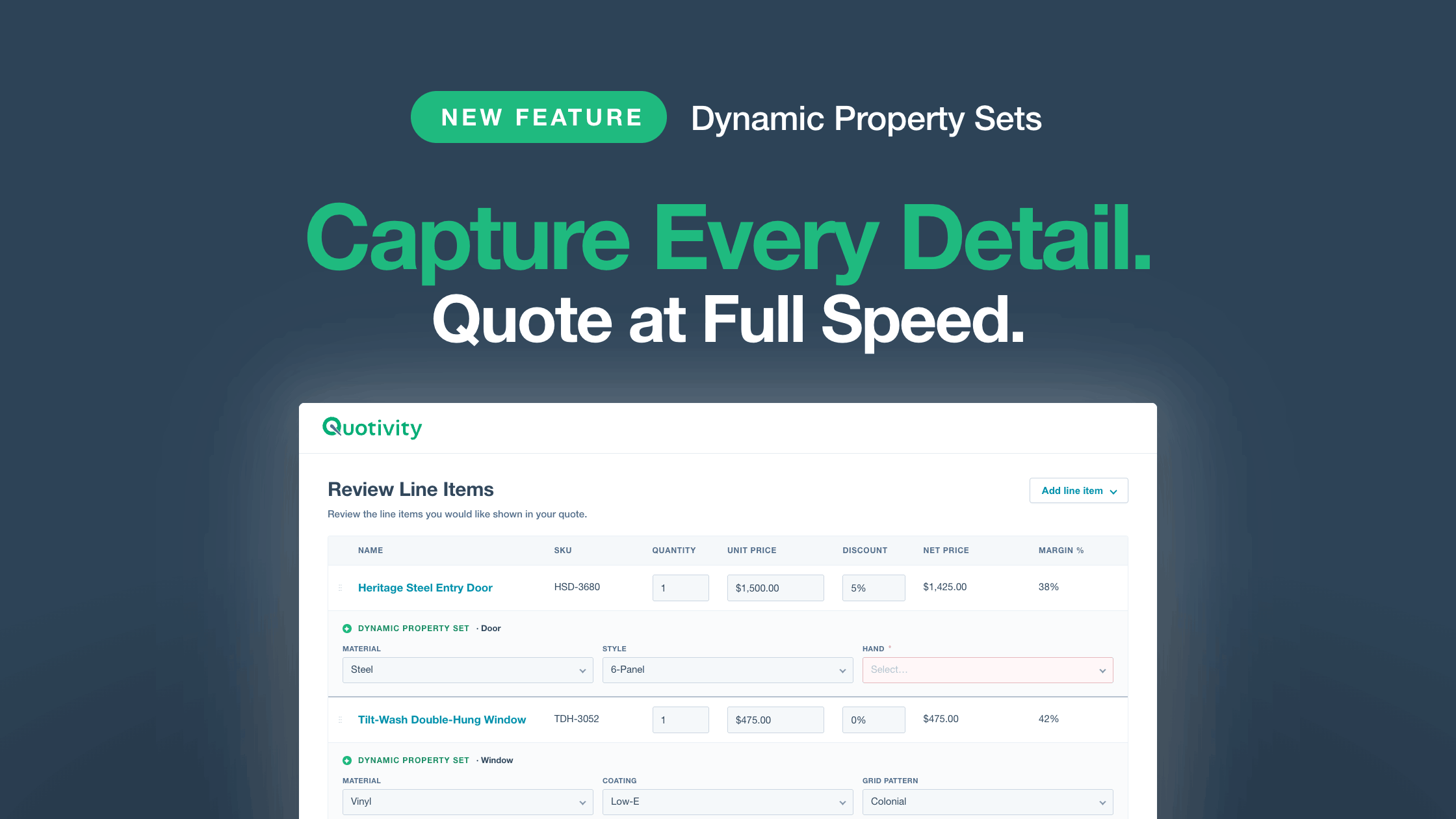
Dynamic Property Sets gives customers a rules-based way to define which product properties appear on a line item, including which are required and even which drop-down options are applicable to that type of product.
What It Does
- Condition-based property surfacing — Property Sets match products using any HubSpot product property, then display the relevant properties inline on that line item in the Quote Builder
- Required vs. optional flags — admins control which properties must be filled before a quote can be submitted
- Default value pre-population — defaults set on HubSpot line item properties are pre-filled automatically
- Property Set merging — if multiple Property Sets match a product, their properties combine and required flags are honored across the merge
- HubSpot line item writeback — every value the rep enters is saved back to the HubSpot line item record
Create a Property Set that targets Product Type = Door, and reps quoting doors see a Material property scoped to door-relevant options: Steel, Fiberglass, or Wood. Create one for Product Type = Window, and reps quoting windows see Material scoped to Vinyl, Aluminum, or Fiberglass, plus a Coating property that doesn’t appear on doors at all. Other line items are unaffected, with no global column bloat and no missing specs.
Because Property Sets are condition-based rather than SKU-based, one set can cover an entire product class. Your catalog can grow without your configuration overhead growing with it.
More Power for Your Bundles
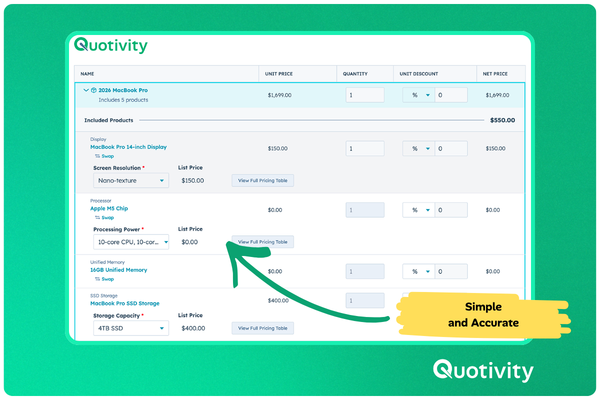
Dynamic Property Sets pairs naturally with Bundles. Property Sets apply to bundle components based on each component’s product properties, so when a rep adds a bundle to a quote, the right properties surface on the right components automatically without any bundle-specific setup required.
Property values also write back to HubSpot line items, which means they flow into your deal records, reporting, and workflows without any manual handoff.
Available Now on Enterprise
Dynamic Property Sets is available now for Quotivity Enterprise customers. To get started, navigate to the Configurations screen under the Rules Engine group in Quotivity Studio. For a full walkthrough, check out the setup guide in the Knowledge Base, or schedule a demo if you’d like to see it in action.