
 Ryan Huff
Product Releases: September Wrap Up
 Ryan Huff: Oct 2, 2026, 12:00:00 AM
Here's what shipped and which plans each one is on. Ramp Pricing and Deal fields are the only Enterprise plan item, and the rest reach every plan.
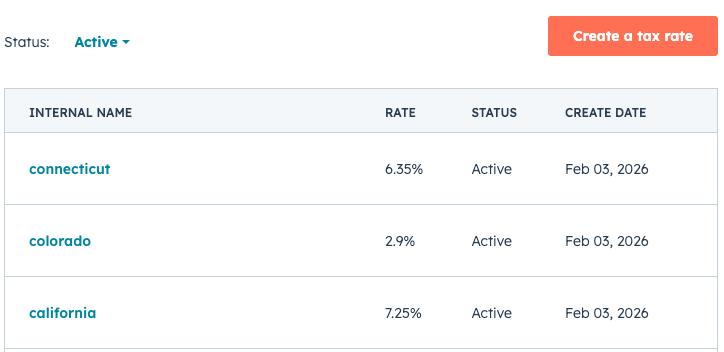
Taxes are one of those quoting details that are easy to underestimate—until they’re wrong. Today we’re introducing support for HubSpot line item tax rates in Quotivity, which means you can use HubSpot’s built-in tax rate table and apply those rates directly at the line-item level in your quotes.
This is not a full tax automation solution (like an Avalara-style address-based calculation). But for many of the teams we work with, combining Quotivity's Rules Engine with HubSpot-defined tax rates are the right level of structure: simple to manage, consistent across quotes, and fully aligned with your existing HubSpot setup.
HubSpot lets you define tax rates and then select the appropriate rate on each line item. With this update, Quotivity can now:
For teams that sell across regions, product categories, or tax treatments, quoting gets messy fast when taxes are handled manually. This feature helps you:
It also fits cleanly into how many RevOps teams already operate: define tax rates centrally, then let quoting tools apply them consistently.
In HubSpot, admins can define tax rates (e.g., “California”, “Colorado”, “Connecticut”...) with the corresponding percentage. Just go to Settings > Commerce > Tax.
In the Quotivity Quote Builder, the rep can select the appropriate tax rate on any line item.
Quotivity reads the chosen tax rate and calculates taxes at the line-item level accordingly—so totals reflect exactly what’s configured in HubSpot.
If you prefer not to rely on reps to select the right rate, you can use Quotivity's Rules Engine to set tax rates automatically based on things like:
If you’d like this enabled, reach out to our team and we’ll turn it on — we'll open it up to all customers shortly.
This is:
This isn’t:
Ryan Huff: Oct 2, 2026, 12:00:00 AM
Here's what shipped and which plans each one is on. Ramp Pricing and Deal fields are the only Enterprise plan item, and the rest reach every plan.
 Ryan Huff: Sep 30, 2026, 9:50:30 AM
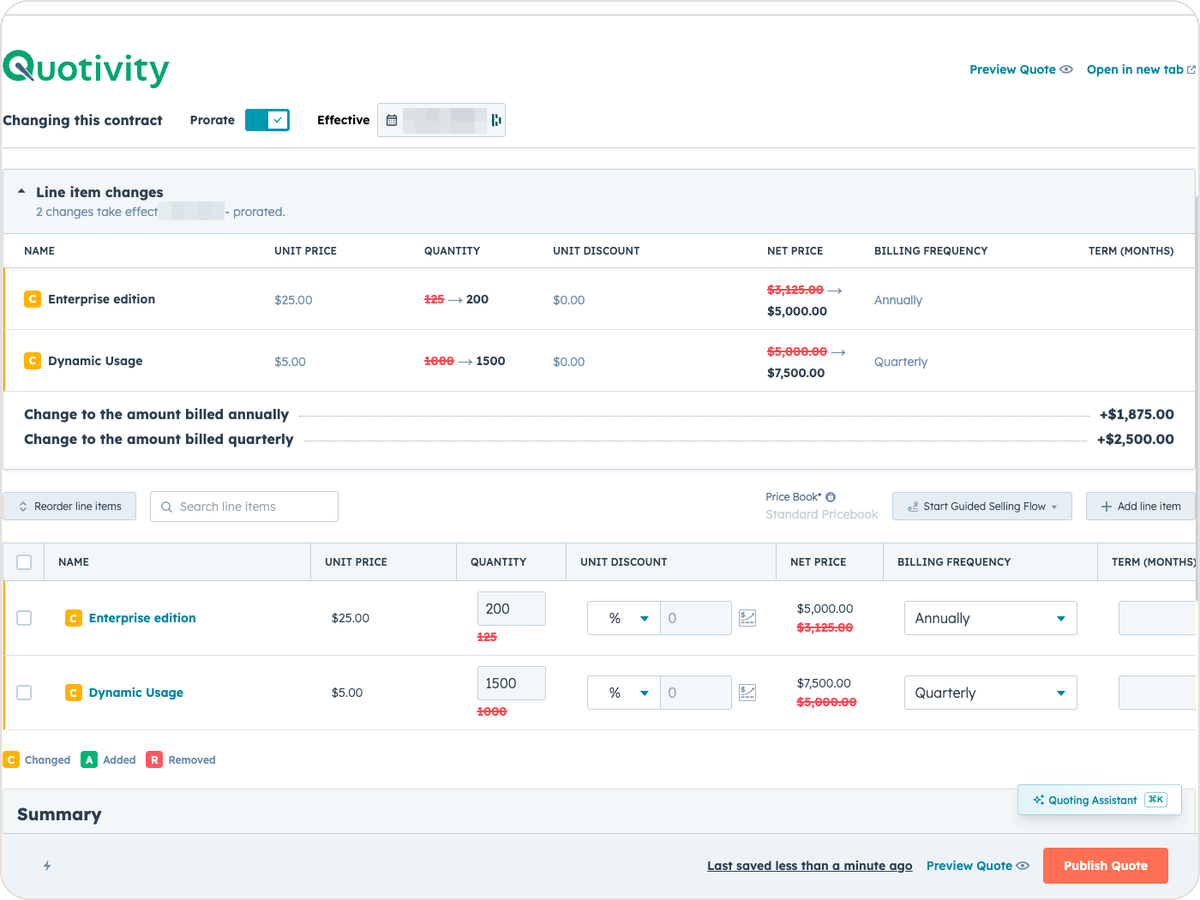
An equipment maker sells a bottler one packaging line. Partway through the term, the bottler calls back. Two more lines are going in, and they want...
Ryan Huff: Sep 2, 2026, 12:00:00 AM
Three changes from August for whoever maintains your Quotivity setup. Two of them, BLANKVALUE and bundle member summaries, are on the Enterprise plan.
 Ryan Huff : Jun 9, 2026, 1:41:29 PM
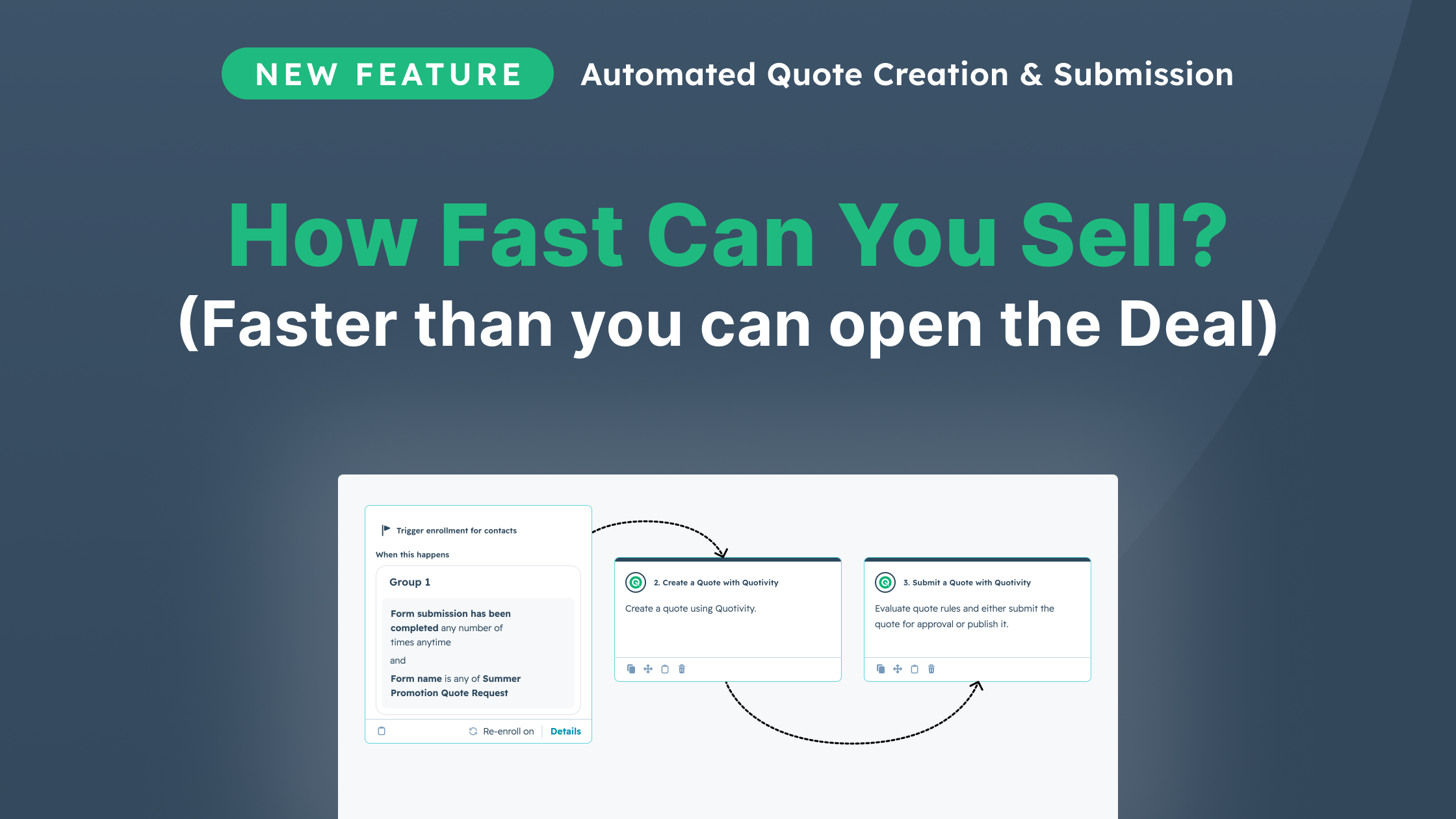
Automate quoting with Quotivity's rules engine, delivering accurate, customized quotes instantly, all while leveraging your CRM data for smarter...
 Ryan Huff : Aug 12, 2026, 8:48:41 PM
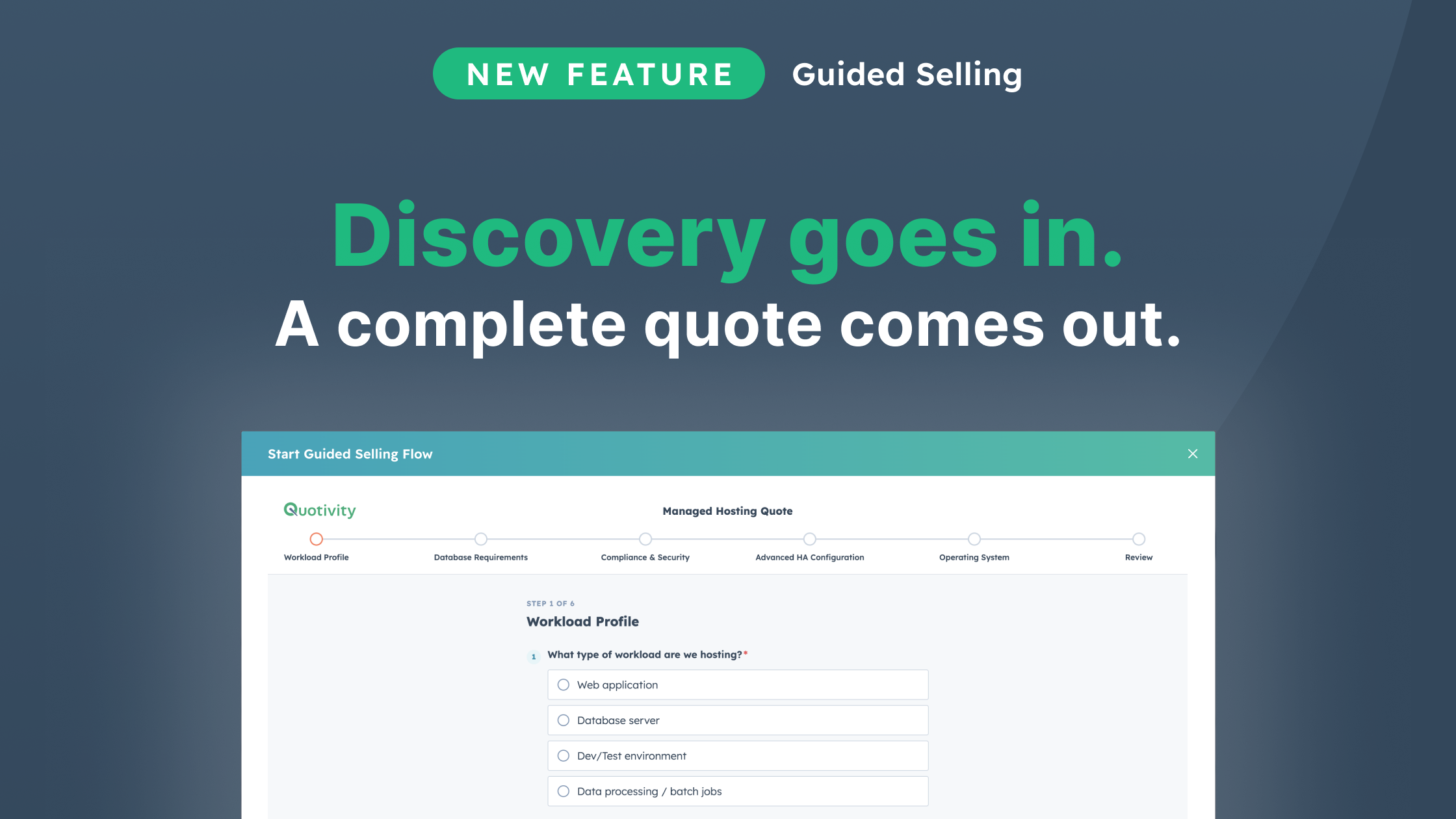
Discover how Guided Selling transforms your quoting process in HubSpot, ensuring consistent and accurate quotes through structured discovery.
 Ryan Huff : Jun 5, 2026, 7:46:11 PM
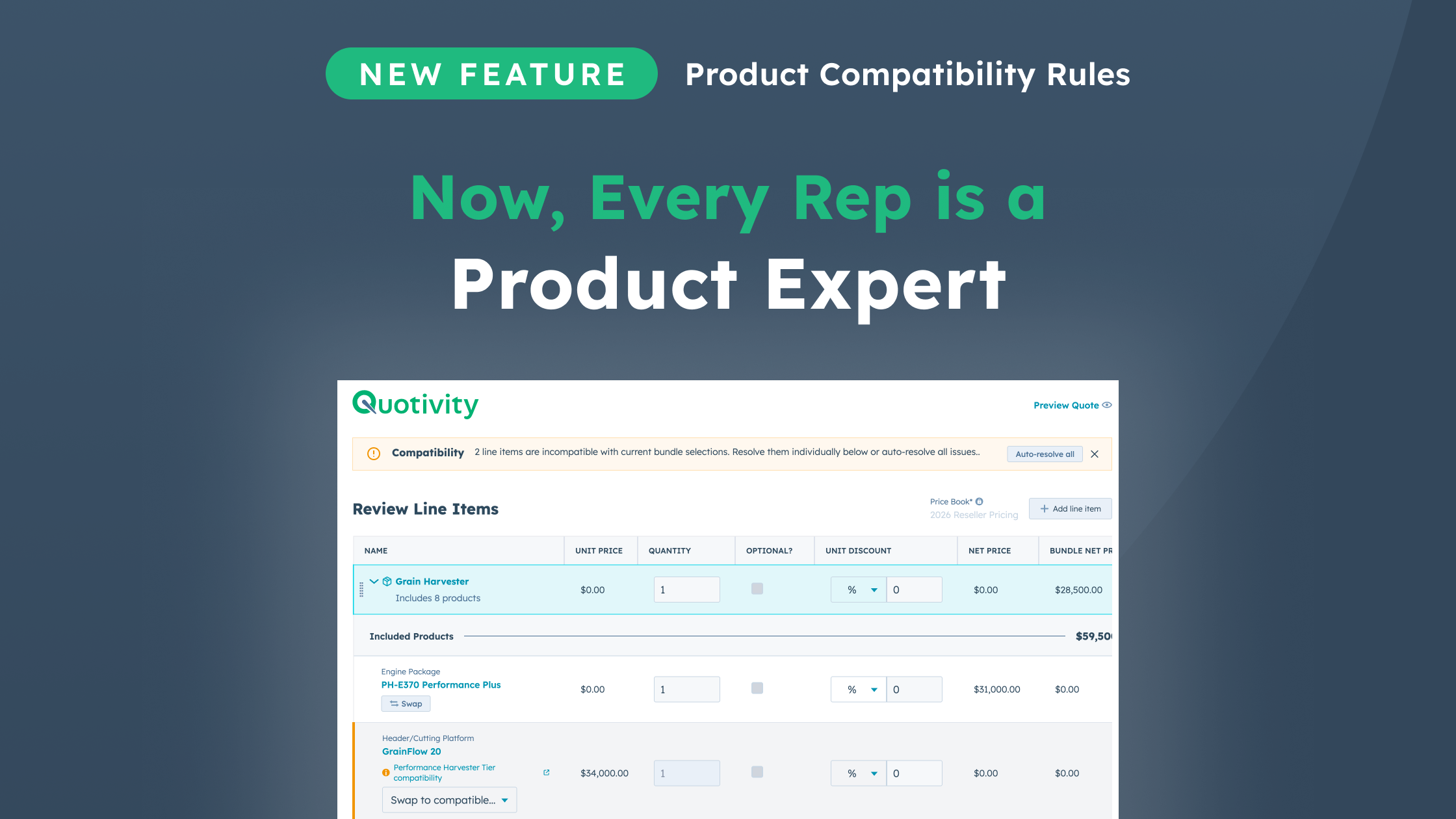
Streamline your quoting process with Quotivity's Compatibility Rules, designed to eliminate configuration errors and enhance efficiency for complex...