
 Ryan Huff
Product Releases: September Wrap Up
 Ryan Huff: Oct 2, 2026, 12:00:00 AM
Here's what shipped and which plans each one is on. Ramp Pricing and Deal fields are the only Enterprise plan item, and the rest reach every plan.
Reps shouldn’t have to memorize product compatibility matrices—or click endlessly just to get the right option into a bundle when they already know what the customer needs. When they’re forced to double-check requirements and swap parts manually, quoting slows down—and errors become more likely.
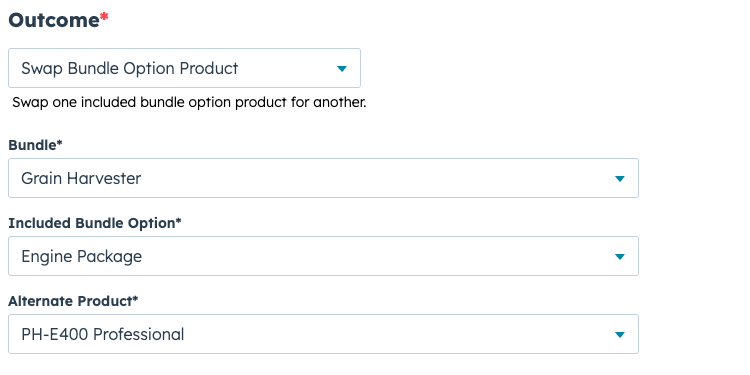
That’s why we’re introducing a new super power for our Rules Engine: the Swap Bundle Option Product outcome. It applies your product logic automatically by swapping one included bundle option product for another based on your rules.
When you choose Outcome → Swap Bundle Option Product, you’ll configure:
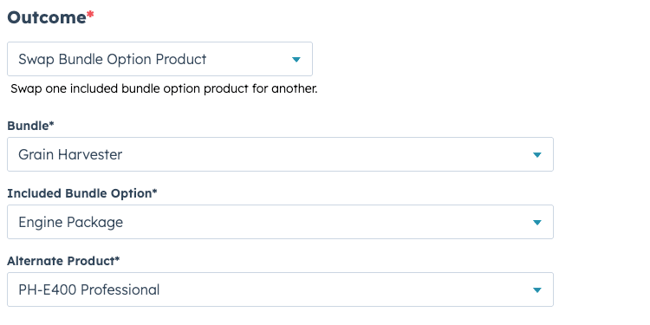
From there, the Quotivity rules engine handles the rest. If the conditions match, Quotivity swaps the included option so reps don’t have to.
Imagine a bundle that includes an Engine option and a Control Module option. Multiple Control Module options are available for different products, but only one is appropriate based on what the customer needs.
Instead of asking reps to remember which engine fits which scenario—or forcing them to click into the bundle and swap it manually—you can write the rules once:
One bundle. Less friction. More consistent outcomes.
Use your existing rule criteria—anything you already use to guide selling and enforce quoting logic.
Select Swap Bundle Option Product, then choose:
When the rule matches, Quotivity automatically swaps the included option product—so reps don’t have to go hunting for the “right” configuration.
Use Swap Bundle Option Product when you want the quote to “do the obvious thing” automatically:
Swap Bundle Option Product is about removing friction from quoting. Instead of requiring reps (and deal desk) to remember compatibility rules and perform repetitive bundle edits, you can encode that logic once—and let Quotivity apply it every time.
Ryan Huff: Oct 2, 2026, 12:00:00 AM
Here's what shipped and which plans each one is on. Ramp Pricing and Deal fields are the only Enterprise plan item, and the rest reach every plan.
 Ryan Huff: Sep 30, 2026, 9:50:30 AM
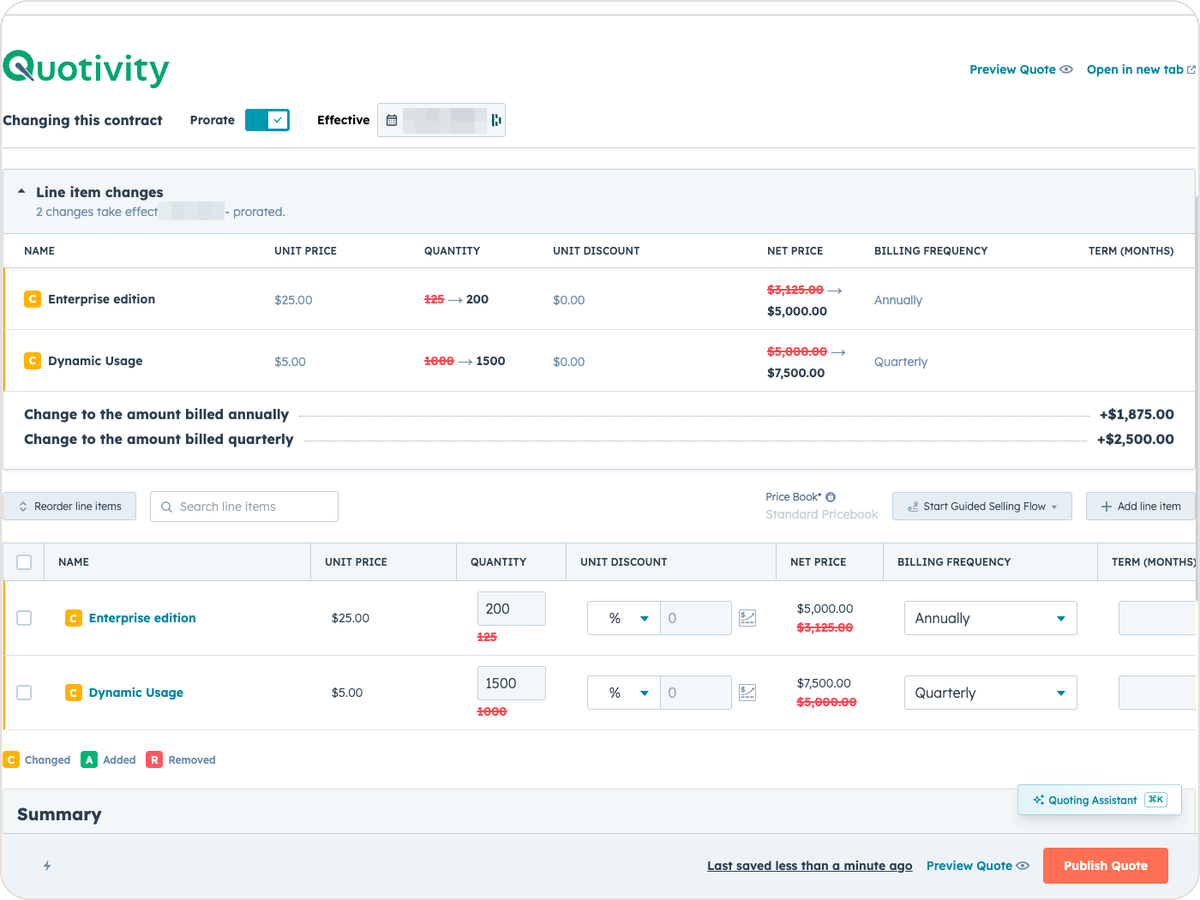
An equipment maker sells a bottler one packaging line. Partway through the term, the bottler calls back. Two more lines are going in, and they want...
Ryan Huff: Sep 2, 2026, 12:00:00 AM
Three changes from August for whoever maintains your Quotivity setup. Two of them, BLANKVALUE and bundle member summaries, are on the Enterprise plan.
Ryan Huff : Aug 3, 2026, 12:00:00 AM
Quotivity's July updates: bundle CSV import, bundle margin, multi-option bundle rules, quote acceptance, rejection reasons in Quote Builder, and an...
 Nikki Zangardi : Dec 4, 2024, 12:30:00 AM
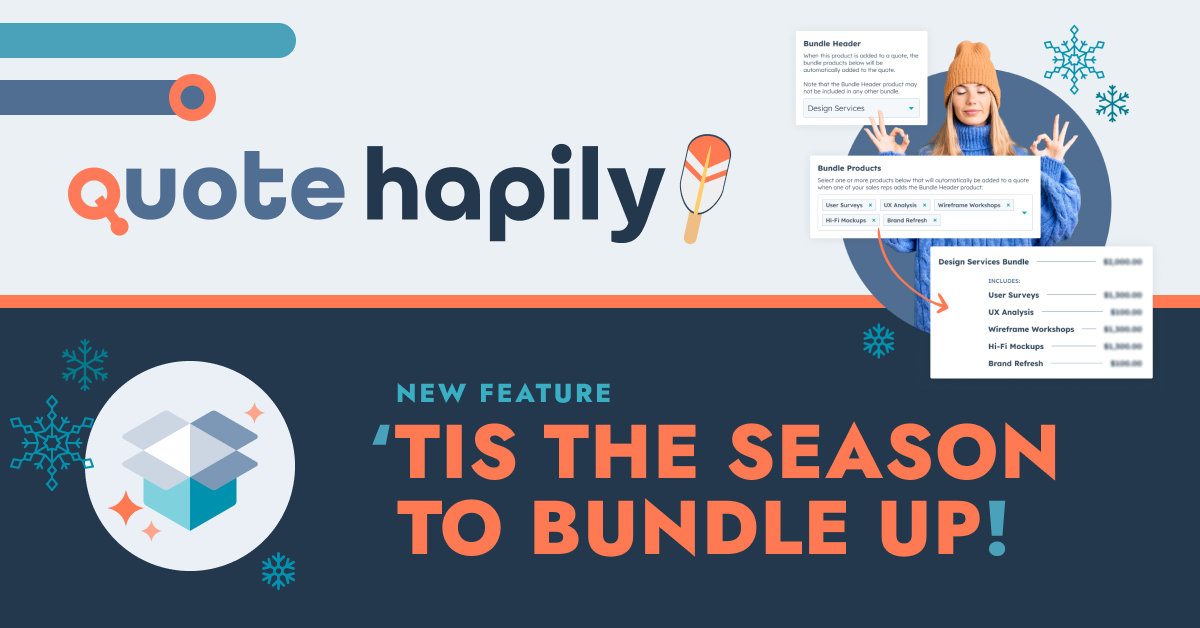
Discover how bundling quotes can streamline your sales process, enhance deal value, and delight buyers.
.png) Nikki Zangardi : Dec 19, 2024, 12:30:00 AM
Nikki Zangardi : Dec 19, 2024, 12:30:00 AM
Discover how bundling transforms your quoting strategy into seamless, complete solutions tailored to every customer need — just like layering up for...