
3 min read

Product Releases: July Wrap Up

Fifteen changes across bundles, quote rules, approvals, templates and the platform. Most of them take out a step somebody was doing by hand.

July's release is a stack of small changes. You'll notice them more in a normal week than on launch day, because most of them remove a detour that admins, reps or approvers were already taking. Everything below is live on the Enterprise plan, and bundle margin and quote acceptance are on Pro too.

Bundles and pricing

Bundle header from the Create Bundle screen. There's now a Create a new Bundle Header Product button next to Select from Product Library. Fill in the name, SKU, description, product type, cost, price and price books, and the new product drops in as the header so you can keep building the bundle.

CSV import and export for bundles. Export a bundle's structure from its details screen, edit the file, and import it from the bundle list. One file can create, update or delete bundles, options and option products, along with defaults, quantities and quantity locks. Prices stay in your price book CSV, but Quotivity creates the price books and entries that new options and products need. After the import, you get an email with a link to a copy of your file, marked with the result for every row and the reason for any row it skipped.

Margin on the bundle header. Bundle headers used to show a price without the cost of what sat under them, so you couldn't tell if the kit still left any margin. Quotivity now rolls each member's cost up to the header and writes Net Cost, Margin Amount, and Margin Percentage on the line. Change a quantity or swap an option and the header updates with the quote.

Hide or show $0 entries. We recently stopped hiding $0 pricing table entries by default. Since every entry starts at $0.00, that meant some entries showed up that nobody meant to show. Each $0 entry now has a Hide control, and a hidden entry flips to Show so you can put it back.

Quote Rules

Multiple bundle options per add or swap rule. A single rule can now add or swap products across several bundle options. Add can pick more than one product per add-on option when that option allows it, and Swap sets one product per included option.

Edit Columns on Add Line Items. The line items table in an Add Line Items rule outcome was stuck on the default columns. It now has the same Edit Columns button Collections uses, so you can show the properties the rule actually sets. Saving updates the table right away, and the column choice is shared with Collections, so a change in one shows up in both.

Active and inactive filter. The Quote Rules list has a new filter for all, active or inactive rules.

Cleaner rules list. Each rule's description now sits under its name instead of in its own column, and the name column takes the extra width. Priority (for rule types that use it) and status are fixed columns on the right, so they line up however long a description runs.

Approvals and acceptance

Accept for no-signature and written-signature quotes. Quotes with no signature had no Accept step, and a written-signature quote sat in Pending Signature until a rep logged the paper copy. Buyers can now click Accept on those published quotes when the Show Accept button is on, and reps can Mark as Accepted from the deal card. The quote moves to Accepted and records who accepted it.

Rejection reasons in Quote Builder. When an approver rejects a quote and gives a reason, the reason now shows above the line items, where notify messages appear. The rep reads it right where they'll fix the quote, and it clears once the quote is submitted again.

Quote owner setting. Approval requests came from the deal owner, and approval and rejection emails went to the deal owner, even on deals where someone else builds the quote. A new setting on the Quote Builder tab of settings assigns the quote owner as either the deal owner or the quote creator.

Templates

Page Break module. Drop it into a template wherever you want the printed PDF to start a new page.

Terms Library in rich text editors. Rich text editors in templates now have a button that inserts content from the Terms Library, so standard terms come from one place.

Platform

EU data center. Quoting data used to live in one U.S. data center. Quotivity now runs a separate application in AWS eu-central-1, and EU customers sign in at app.secure-eu1.quotivity.com so their account data stays in Europe. Both login pages have a region switcher, and a warning shows if you've opened the data center that isn't on your license.

Hard reload pulls fresh from HubSpot. Quote Builder keeps a cached copy of each quote so it loads without extra calls to HubSpot. A hard reload (Shift+Reload or Ctrl+Shift+R) now skips that copy and loads the quote straight from HubSpot. Use it when you know HubSpot has newer data than the builder is showing.

Want one walked through?

If you'd like to see any of these on your own bundles or quotes, get in touch and we'll set up time. Everything here is on the Enterprise plan, with bundle margin and quote acceptance on Pro as well.

Syncing HubSpot Contracts and Quotes - Easier than you think!

Syncing HubSpot Contracts and Quotes - Easier than you think!

An equipment maker sells a bottler one packaging line. Partway through the term, the bottler calls back. Two more lines are going in, and they want...
Read More

Your Pricing Formulas Can Now Make Decisions

Calculated Pricing supports FUNCTIONS starting today. Quote rules can set a line item property with a formula too. Here's how to build both.

Read More
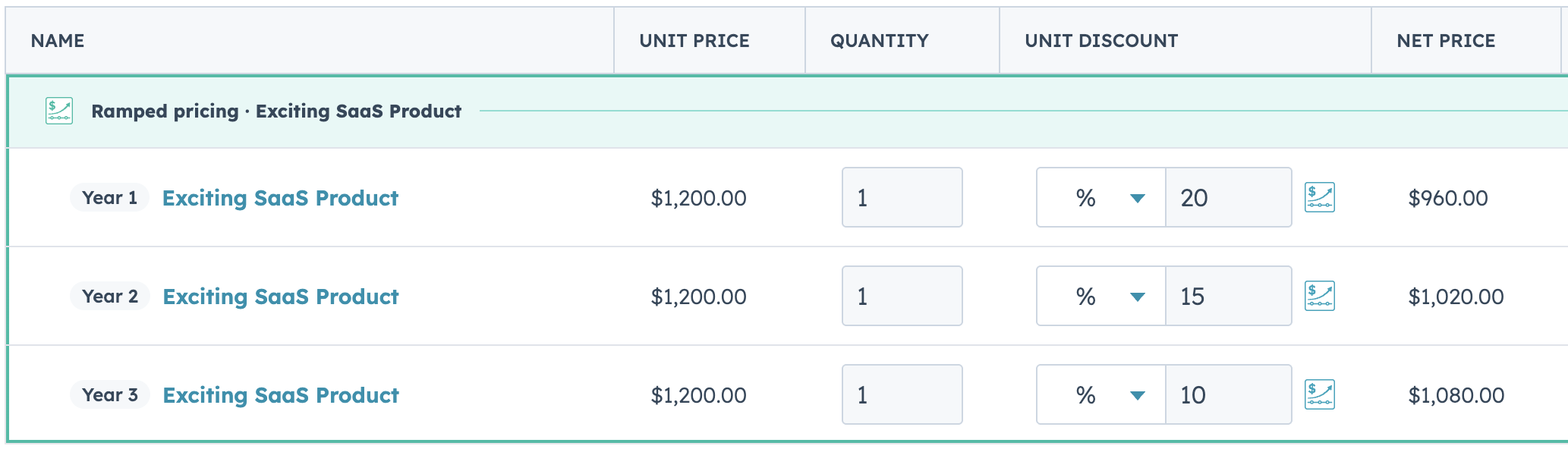
Ramp Pricing: Your 3-Year Deal Shouldn't Need a Spreadsheet to Quote

Ramp Pricing: Your 3-Year Deal Shouldn't Need a Spreadsheet to Quote

Multi-Period Ramp Pricing is live on Enterprise. Set your periods and your discounts, and Quotivity builds the rest of the ramp for you.

Read More