
 Ryan Huff
Product Releases: September Wrap Up
 Ryan Huff: Oct 2, 2026, 12:00:00 AM
Here's what shipped and which plans each one is on. Ramp Pricing and Deal fields are the only Enterprise plan item, and the rest reach every plan.
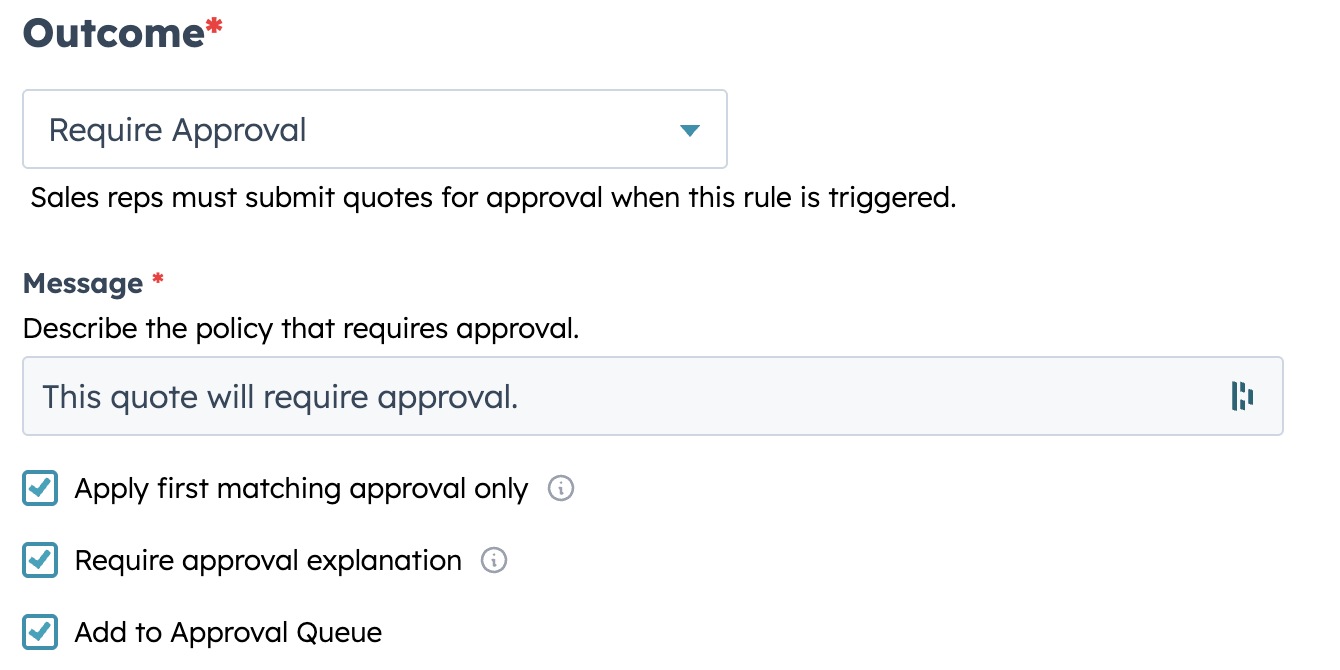
Approvals shouldn’t stall because someone has to ask, “What changed?” or “Why does this need an exception?” Starting today, Quotivity can prompt reps to add a short explanation when submitting a quote for approval—and that explanation is then displayed directly in the quote’s review activity feed.
The result: more clarity, fewer back-and-forth messages, and faster approvals.
When editing a Require Approval rule outcome, admins can enable the "Require approval explanation" checkbox.
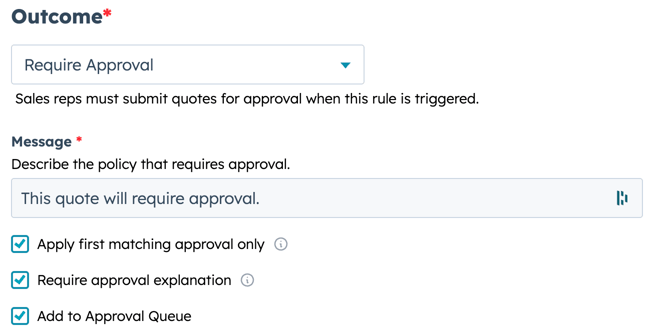
When a quote triggers that rule, the sales rep will be required to enter a brief explanation for the approval request. This explanation displays in the approval notification email, the quote activity timeline, and the deal's approval request event.
Note: The the original release for this feature implemented it as an account-level preference. If that preference had been set, all "Require Approval" outcomes would require an explanation from the sales rep. The current implementation now allows admins to require approval explanations on specific rules.
Because the setting lives on each rule individually, admins can require explanations only where context matters most — such as discount exceptions or non-standard terms — while keeping the approval flow streamlined for routine rules.
Most approval delays come from missing context, not missing authority. By embedding the rationale upfront, teams can eliminate clarification delays and enable faster approvals. And with per-rule configuration, admins avoid over-prompting reps on approvals where the reason is self-evident.
Enable the explanation prompt on rules where the approval reason isn't obvious from the quote alone. Teams should keep explanations concise, include both the reason and its impact (such as discount percentages), reference prior approvals when relevant, and use clear language understandable to diverse reviewers.
Navigate to Quote Rules, edit a Require Approval rule, and check "Require approval explanation" on the outcome. Each rule can be configured independently — only rules with this option enabled will prompt sales reps for an explanation. When disabled, the approval workflow for that rule remains unchanged, preserving flexibility for different organizational needs.
Ryan Huff: Oct 2, 2026, 12:00:00 AM
Here's what shipped and which plans each one is on. Ramp Pricing and Deal fields are the only Enterprise plan item, and the rest reach every plan.
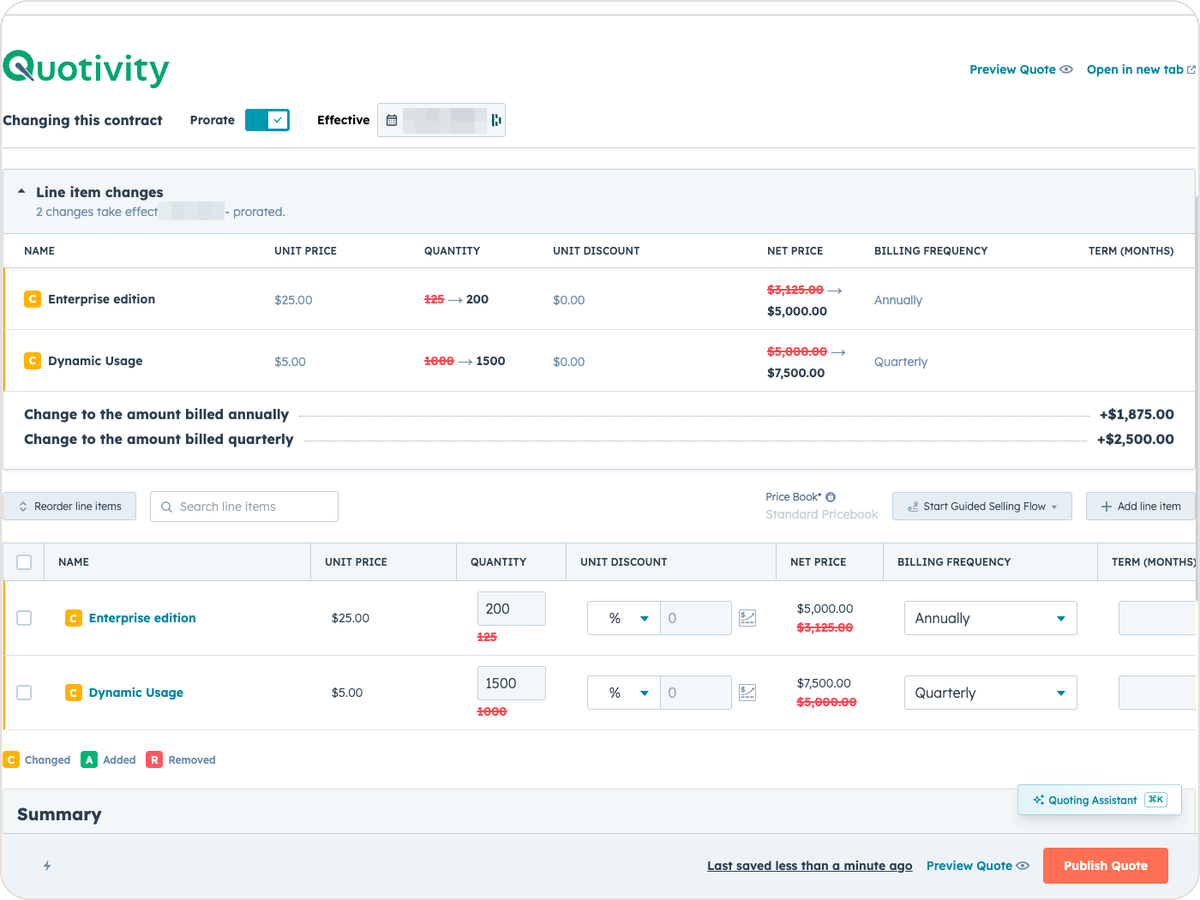 Ryan Huff: Sep 30, 2026, 9:50:30 AM
An equipment maker sells a bottler one packaging line. Partway through the term, the bottler calls back. Two more lines are going in, and they want...
Ryan Huff: Sep 2, 2026, 12:00:00 AM
Three changes from August for whoever maintains your Quotivity setup. Two of them, BLANKVALUE and bundle member summaries, are on the Enterprise plan.
 Ryan Huff : Feb 16, 2026, 12:38:37 PM
Streamline approval workflows with Quotivity's Approval Queues, reducing complexity and centralizing routing rules for easier management and...
 Ryan Huff : Feb 16, 2026, 12:13:41 PM
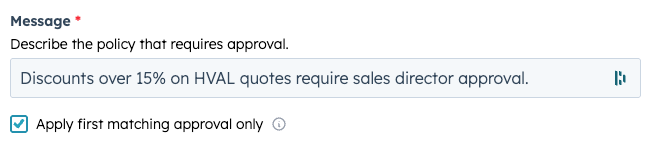
Simplify hierarchical approvals in Quotivity with the new "Apply first matching approval only" feature, ensuring clear routing and reducing admin...
 Nikki Zangardi : Apr 8, 2025, 5:15:00 AM
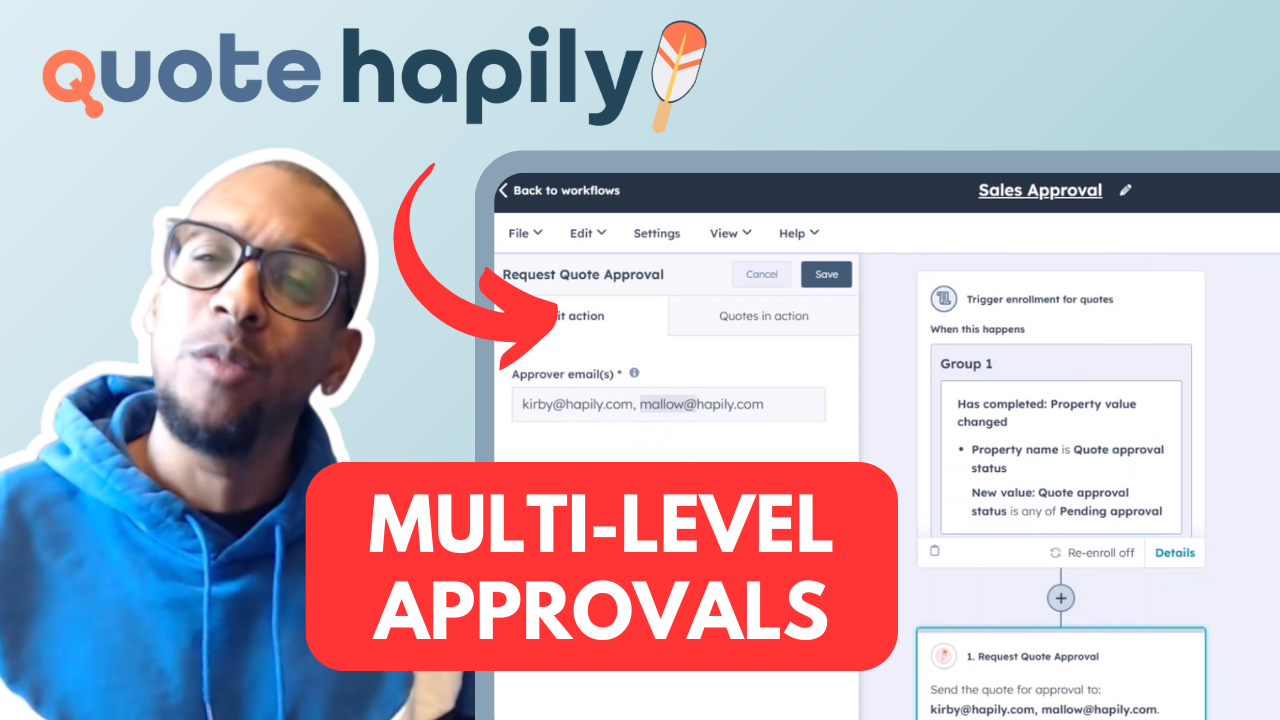
Reps move fast — now your approvals can too. Build multi-layer quote approvals in HubSpot with Quotivity and keep control without killing momentum.