
 Ryan Huff
Your Pricing Formulas Can Now Make Decisions
 Ryan Huff: Aug 25, 2026, 9:25:05 AM
Calculated Pricing supports FUNCTIONS starting today. Quote rules can set a line item property with a formula too. Here's how to build both.
A rep starts a quote and immediately opens up a spreadsheet (that they mostly trust) with a matrix that specifies which products are compatible with others. It’s complicated. And a constant headache. They know their product line well, but the variety of possible configurations is complicated – and seems to continue to get more complicated by the quarter.
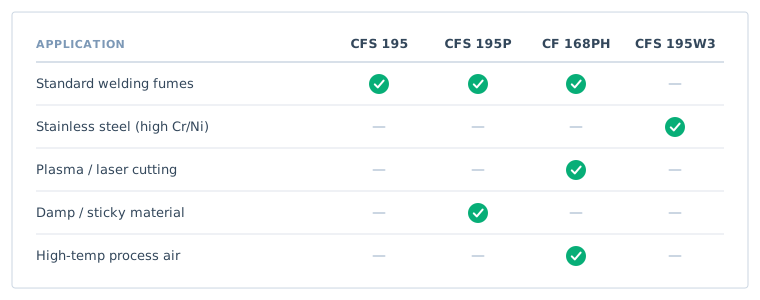
So they do what most reps do: they scan the matrix, make their best call, and move on. Or they ask someone. Or they skip the check and send it, and find out later when the order gets flagged.
This is the normal state of quoting for manufacturers with complex, technical catalogs. Products have real compatibility requirements — physical, mechanical, electrical — and the people building the quotes aren't the people who designed the products. Expecting reps to carry that knowledge in their heads doesn't work. Expecting them to pause every quote to check documentation doesn't either.
The result is configuration errors that make it onto quotes, and a quoting process that's slower and less confident than it should be.
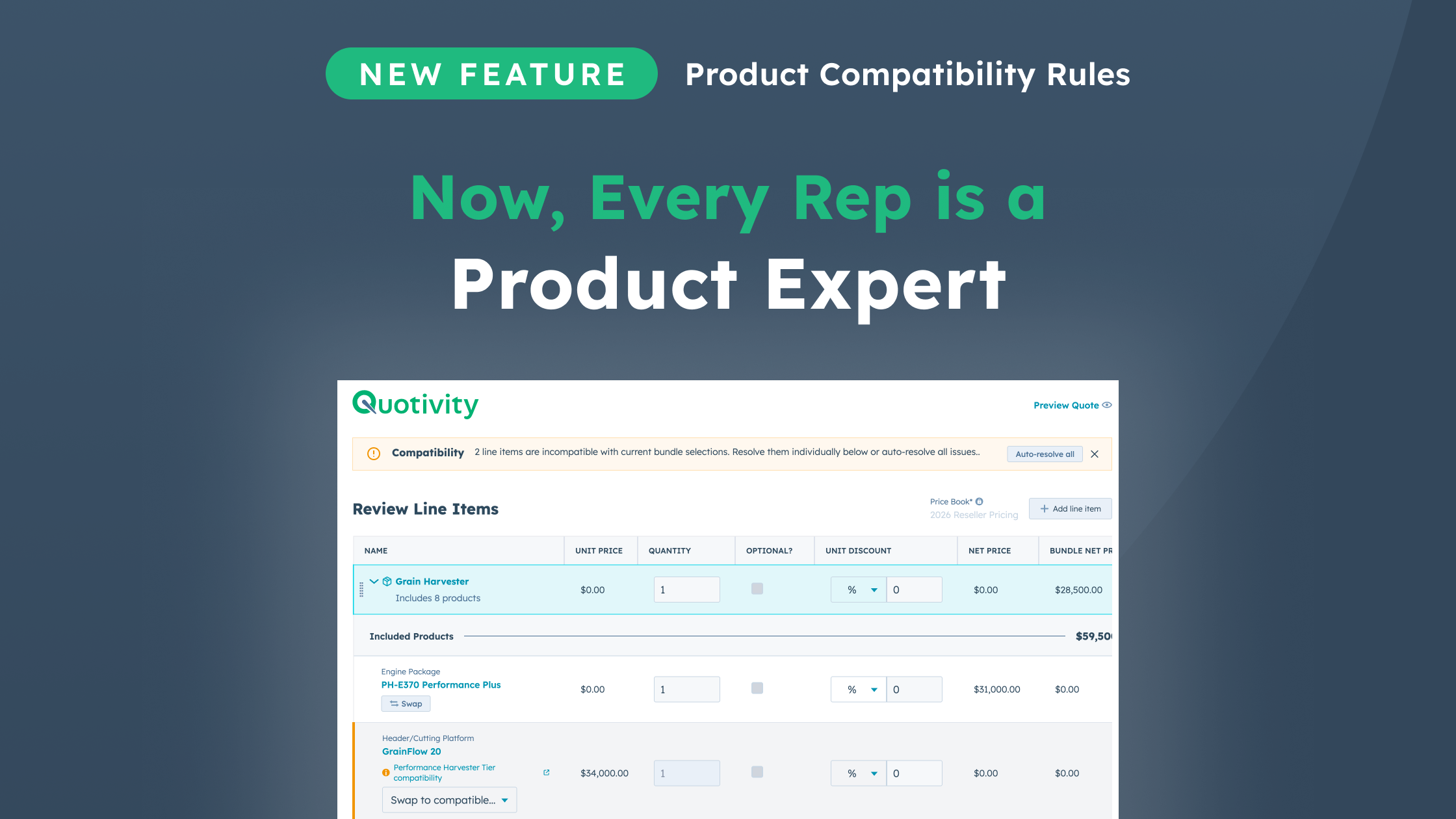
Compatibility Rules are now live on Quotivity's Enterprise plan. The short version: the rep makes a selection, and the system figures out what's still valid. Options that aren't compatible with what's already been chosen are removed from the available set automatically. The rep never has to know the rule exists.
Compatibility Rules work with your existing bundles. Your bundles define the full menu of available products in each category. Compatibility Rules sit on top of that and evaluate a rep’s selections and narrow the available options accordingly. No more guessing and reading error messages – it’s just right the first time.
Built on the powerful Quotivity Rules Engine, each rule has a set of conditions (IF a selected product has these attributes) and a set of exclusions (THEN these products are removed from a specific option group). Both sides are property-based, so a single rule can cover a broad class of products without listing individual SKUs.
If other products in a bundle are not compatible with a new selection, you're one click away from resolving all of the issues automatically. Just click the "Auto-resolve" button, and Quotivity will select the lowest-cost product that's compatible with the other selections.

Compatibility Rules were built for manufacturers with large, technically complex catalogs where the gap between product knowledge and sales knowledge is real. If your reps regularly reference documentation to confirm what goes with what, or if you've had quotes go out with incompatible configurations, this is the feature that closes that gap.
It's an Enterprise plan feature. If you're already on Enterprise, it's available now. If you're on Professional and the documentation-lookup problem sounds familiar, it's worth a conversation about what moves up with the plan.
Ryan Huff: Aug 25, 2026, 9:25:05 AM
Calculated Pricing supports FUNCTIONS starting today. Quote rules can set a line item property with a formula too. Here's how to build both.
 Ryan Huff: Aug 17, 2026, 1:51:18 PM
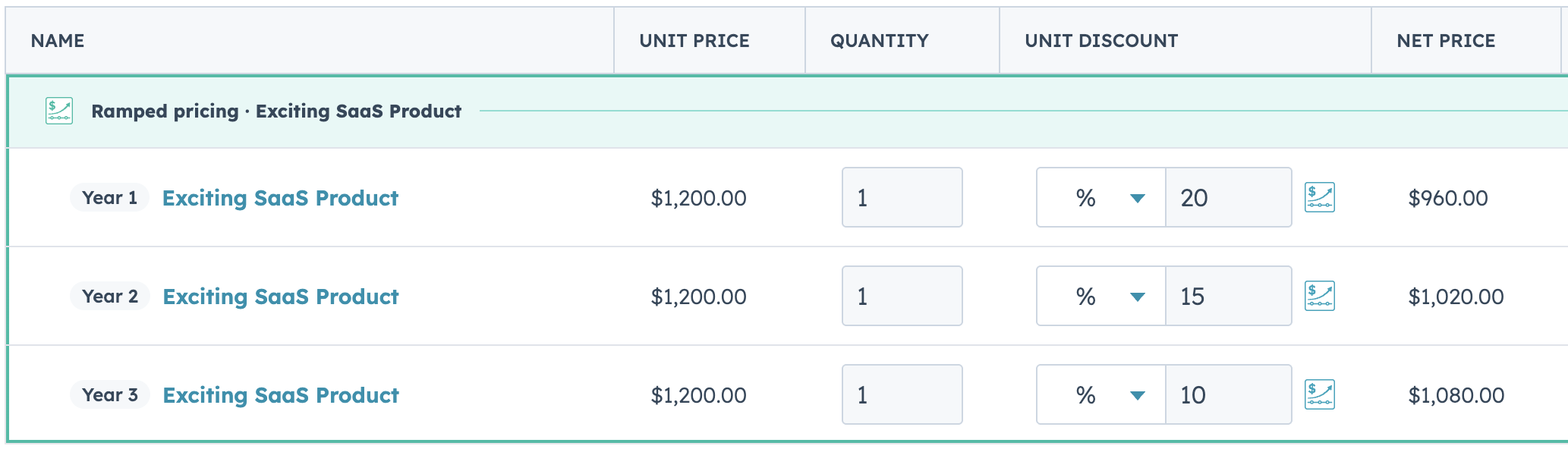
Multi-Period Ramp Pricing is live on Enterprise. Set your periods and your discounts, and Quotivity builds the rest of the ramp for you.

 Quotivity: Aug 17, 2026, 9:43:48 AM
I've heard more than one partner consultant say that CPQ doesn't come up with clients. The need comes up constantly. It just shows up wearing...
 Quotivity : Jul 29, 2026, 2:23:03 PM
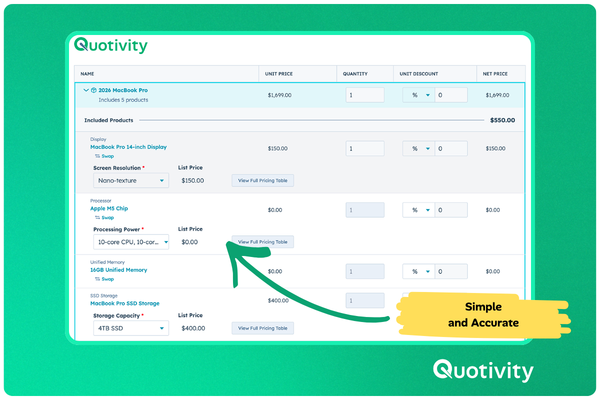
Quotivity's new Product Configurator streamlines product configuration in HubSpot, making it easy for reps to select valid options without confusion.
 Ryan Huff : Feb 20, 2026, 12:30:00 AM
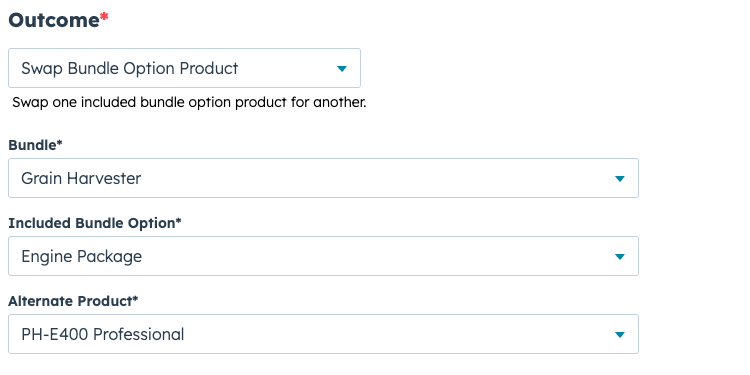
Automate bundle option swaps in Quotivity to ensure accurate configurations and speed up quoting processes with the new Swap Bundle Option Product...
 Ryan Huff : Jun 9, 2026, 1:41:29 PM
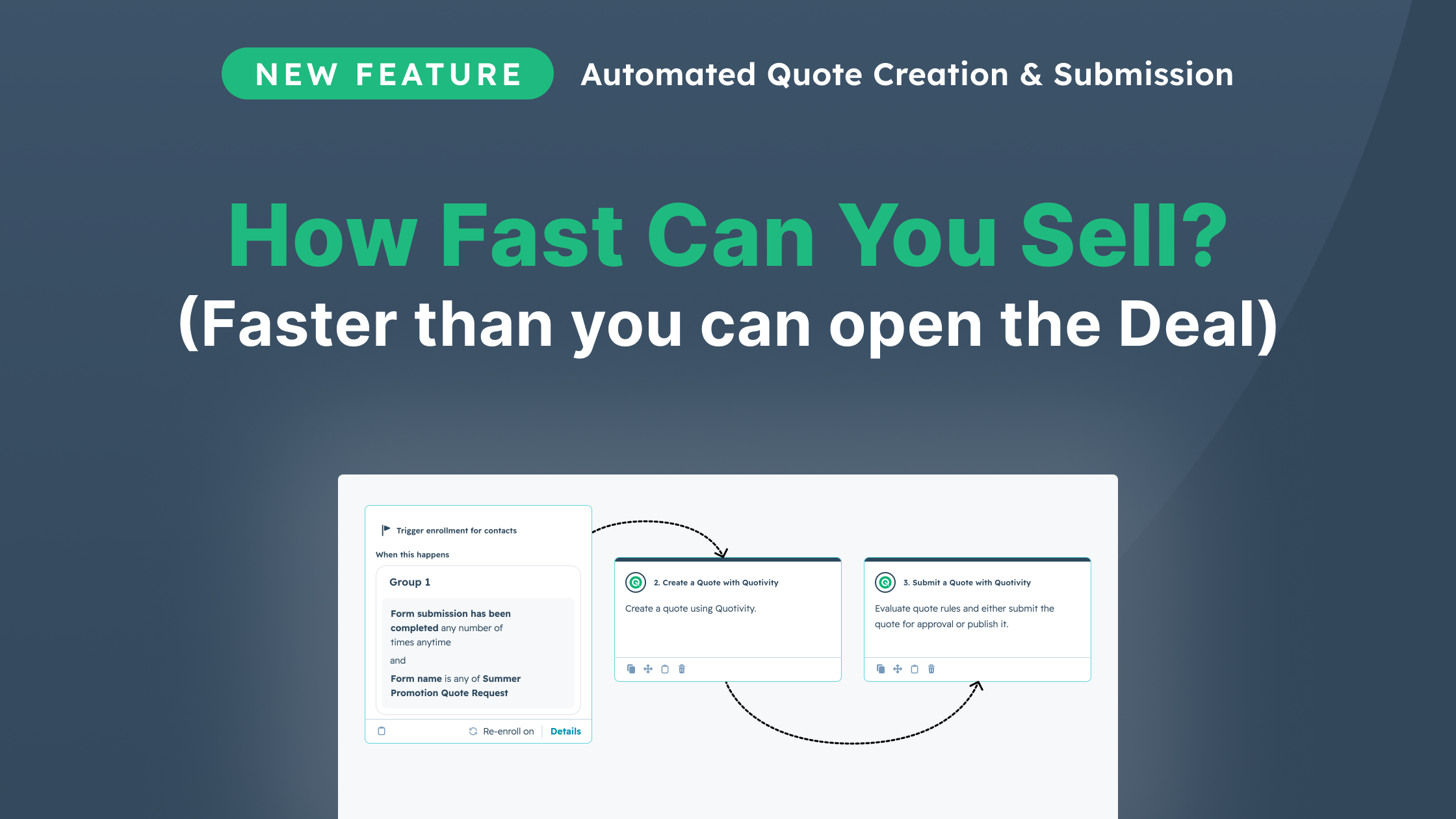
Automate quoting with Quotivity's rules engine, delivering accurate, customized quotes instantly, all while leveraging your CRM data for smarter...