 Quotivity
Product Releases: September Wrap Up
 Ryan Huff: Oct 2, 2026, 12:00:00 AM
Here's what shipped and which plans each one is on. Ramp Pricing and Deal fields are the only Enterprise plan item, and the rest reach every plan.

Some deals do not have a fixed price.
The final number depends on a mix of inputs like quantity, labor, materials, location, or usage. Change one of those, and the price changes with it. That's not a pricing problem, that's how the business works.
The issue is how that pricing gets calculated. In many teams, reps are still relying on spreadsheets or manual steps to figure it out, which slows down quotes and creates risk. The goal is not to avoid formulas. It's to make sure they run automatically inside your quoting process instead of outside of it.
Calculated pricing shows up anywhere pricing depends on multiple variables.
Think about services where labor hours change based on scope. Manufacturing where material costs and markups shift by order size. SaaS deals with tiered pricing, usage thresholds, or location-based fees. Even something like tax or shipping can vary based on region, product type, or delivery method.
In these cases, pricing is not something a rep can memorize or enter manually. It has to be calculated based on inputs.
In a real workflow, that usually means reps leave the CRM, open a spreadsheet, plug in numbers, and bring the result back into the quote. If anything changes, they go back and do it again.
That is where things start to break.
Spreadsheets are flexible, so teams use them to handle complexity.
At first, it works. Someone builds a pricing calculator that handles the main scenarios. Then edge cases get added. More conditions get layered in. Different teams create their own versions. Over time, the spreadsheet becomes the only place where pricing actually makes sense.
The problem is that spreadsheets do not enforce consistency.
Two reps can use different versions of the same file. Inputs get missed or entered incorrectly. Formulas get edited without anyone noticing. There is no clear link between the quote and how the price was calculated.
That creates risk.
Quotes take longer to build because reps have to validate every step. Errors slip through because the process is manual. Discounts and margins become harder to control because the logic is not enforced anywhere.
This is where revenue leakage starts to show up.
Not every team needs formula-based pricing, but when you do, it becomes obvious.
It usually shows up in a few patterns.
Companies that price based on labor, materials, or project scope need formulas to calculate total cost and margin. Without that, reps are estimating instead of quoting.
Teams with tiered or volume pricing need logic that adjusts pricing automatically as quantities change. Otherwise, reps are manually applying discounts and hoping they match the pricing model.
Organizations dealing with regional taxes, surcharges, or location-based pricing need rules that adjust based on where the deal is happening. This is almost impossible to manage consistently without automation.
Any business selling bundles or multi-line quotes with dependencies also runs into this. One line item affects another, so pricing has to be calculated across the entire quote, not just per product.
In all of these cases, the common thread is the same. Pricing depends on inputs, not just selections.
When calculated pricing lives outside your quoting system, everything slows down.
Reps spend time building quotes instead of moving deals forward. Every revision requires reworking the spreadsheet. Approvals take longer because managers cannot easily see how the price was calculated.
There is also no real control.
Finance cannot enforce margin targets if pricing is being calculated manually. RevOps cannot guarantee consistency across deals. Sales managers cannot confidently approve discounts because the underlying math is unclear.
Even small mistakes add up. A missed input or incorrect formula can change the final price in ways that are hard to catch before the quote is sent.
This is why teams start looking for a better way.
Calculated pricing works when it is built into the quoting process, not layered on top of it.
That means formulas live inside the system and run automatically based on deal inputs. Reps select products, enter key variables, and the correct price is calculated in real time.
In a real workflow, this looks like a rep building a quote inside HubSpot and seeing pricing update instantly as quantities, locations, or configurations change. There is no need to leave the deal record or reference external files.
Approval logic can also tie directly into those calculations. If a deal falls below a target margin or exceeds a discount threshold, the system routes it for review automatically.
This is where speed and accuracy start to align.
Quotivity brings calculated pricing directly into HubSpot so formulas are applied automatically as quotes are built.
Pricing logic, markups, taxes, and dependencies are all defined once and enforced across every deal, which means reps are not recreating calculations or relying on external spreadsheets to get the right number.
They can build complex quotes quickly because the system handles the math in real time, while approval workflows and margin controls ensure pricing stays within policy.
If your team is still managing formulas outside your CRM, a demo is the fastest way to see how calculated pricing can run inside your existing workflow and remove the need for manual work.
 Ryan Huff: Oct 2, 2026, 12:00:00 AM
Here's what shipped and which plans each one is on. Ramp Pricing and Deal fields are the only Enterprise plan item, and the rest reach every plan.
 Ryan Huff: Sep 30, 2026, 9:50:30 AM
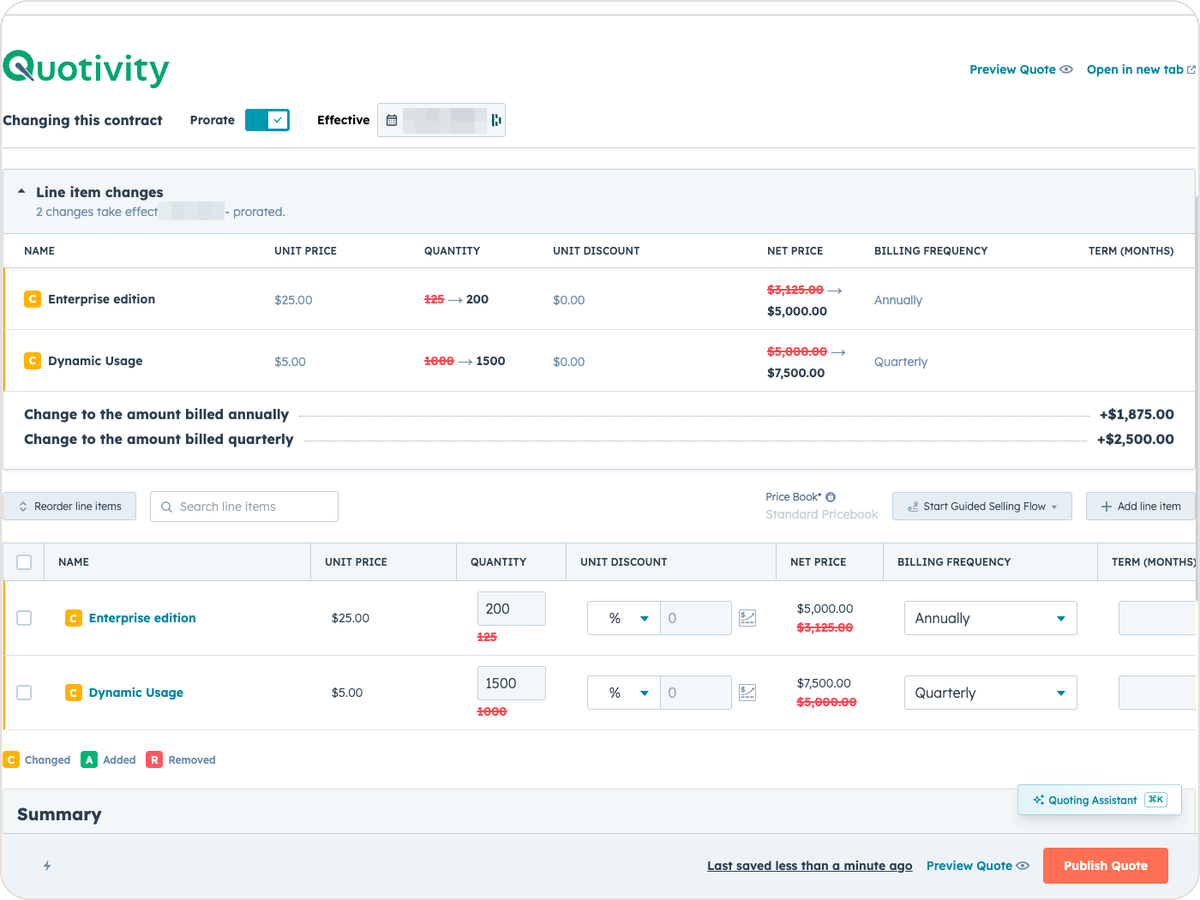
An equipment maker sells a bottler one packaging line. Partway through the term, the bottler calls back. Two more lines are going in, and they want...
Ryan Huff: Sep 2, 2026, 12:00:00 AM
Three changes from August for whoever maintains your Quotivity setup. Two of them, BLANKVALUE and bundle member summaries, are on the Enterprise plan.
Ryan Huff : Aug 25, 2026, 9:25:05 AM
Quotivity's new Calculated Pricing allows for conditional logic in formulas, streamlining pricing decisions without needing multiple systems....
 Nikki Zangardi : Apr 30, 2025, 1:45:00 AM
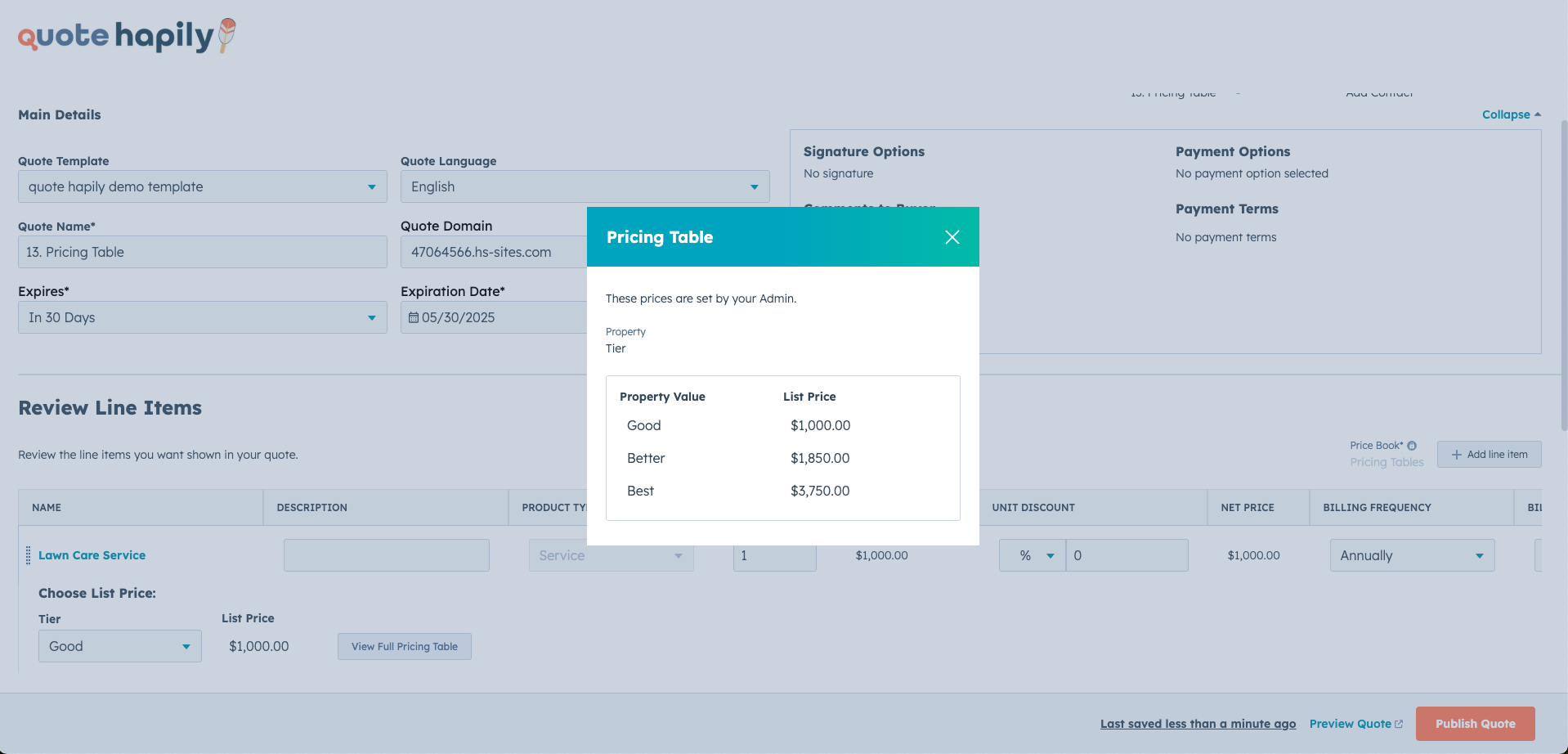
Discover how Quotivity's Pricing Tables ensure accurate, flexible, and automated pricing for your HubSpot quotes, making your sales process seamless...
.png) Nikki Zangardi : Jan 9, 2025, 12:00:00 AM
Nikki Zangardi : Jan 9, 2025, 12:00:00 AM
Explore how calculated pricing takes the guesswork out of quoting. From bulk orders to personalized services, see how businesses create accurate,...