
 Ryan Huff
How to Fix Quote Approval Delays in HubSpot
 Quotivity: Nov 17, 2026, 3:42:06 PM
Quote approvals slow HubSpot deals for five reasons. Every quote gets routed. The rules live in someone's head. Approvals go to one named person...
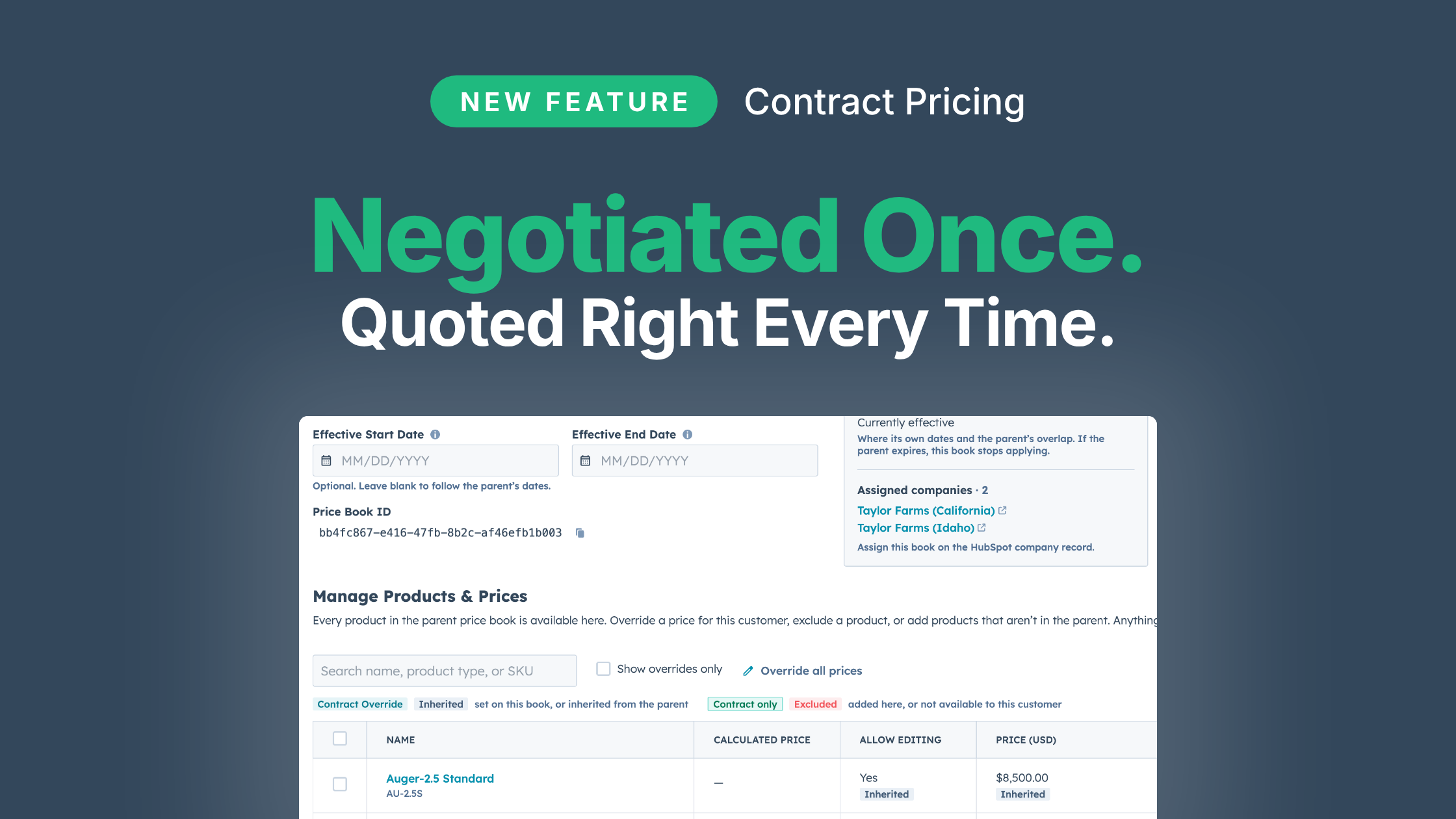
Available on the Enterprise plan. Every account gets the price it negotiated on every quote, without a spreadsheet, a duplicate product or a second approval to keep it that way.
Contract pricing is how most manufacturers hold on to their best accounts. A key account negotiates prices on 40 part numbers out of a 3,000-part catalog, and everything else sells at list. Agreeing to those 40 prices happens once. Keeping them right on every quote for the next three years is a job.
Those prices have to live somewhere, and it's rarely a "system". Usually it's a spreadsheet that grows with every new contract, a copy of the price book for each account, or duplicate products created just to carry a second price. One HubSpot Community post put the last one plainly: "We're duplicating products just to handle pricing scenarios." All of these workarounds have costs: Deal Desk teams who need to validate that contract pricing was given, manual report edits for management review, and tedious and error-prone CRM management tasks.
Somebody owns the contract pricing, usually in sales ops, and it becomes a quiet part-time job. Every new contract adds tabs. Every list price increase has to be pushed into every account's copy, except for the parts that account negotiated. Miss one, and that account buys at last year's prices until someone notices the margin.
Then there's approval. When the quote starts from list, a contract price shows up as a discount. The quote goes to an approver, who opens the spreadsheet to confirm the number matches what was signed. The business already approved that price once, when it signed the contract. Now it approves it again on every quote, and every quote waits for it. Otherwise the quote goes out with the wrong price — which the customer never misses, and is always an embarrassing task to fix.
Reporting is where the cost hides longest. Ask a simple question, like what Acme actually pays for a hose, and the answer depends on which copy or which spreadsheet tab is current. Duplicate products split one part's sales across two or three SKUs. And because contract prices look like discounts, your discount report mixes prices the business agreed to with concessions reps gave away. You can't tell which one is leakage.
The teams that handle this well tend to land on the same model. One list price book that everybody prices from. Each account's negotiated prices kept as a short list of exceptions, and nothing else. Closed deals update those exceptions automatically. Quotes start from the account's price, so a negotiated price never looks like a discount.
Contract Price Books are how Quotivity runs that model inside HubSpot. Here's part of one account's pricing.
| Product (base price) | List price book | Acme's contract | Acme pays |
|---|---|---|---|
| Pump P-100 ($1,000) | Base price | Fixed $850 | $850 |
| Valve V-20 ($200) | 5% off | 7% off | $186 |
| Hose H-10 ($40) | 10% off | (from the list) | $36 |
| Legacy SKU L-1 ($50) | Base price | Excluded | Not offered |
| Sensor S-9 ($300) | Not on the list | Added | $300 |
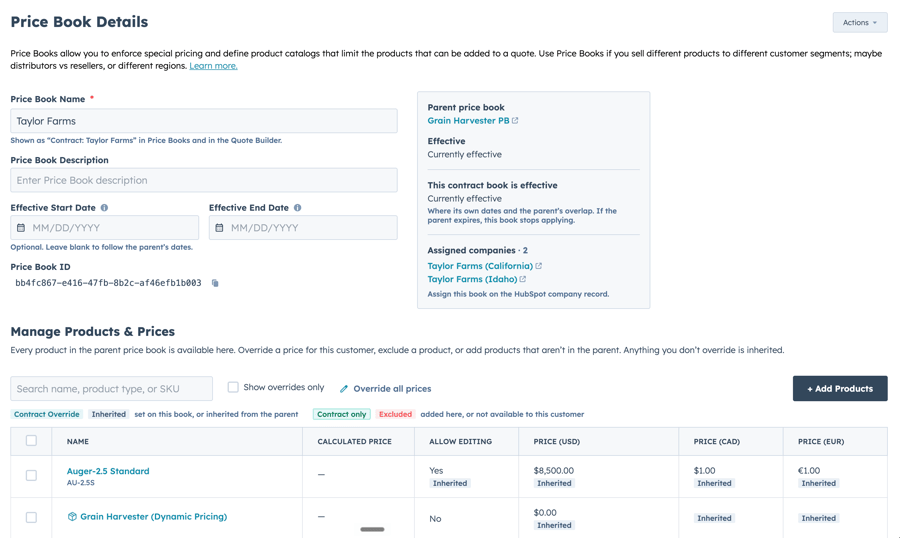
Acme's contract book holds the exceptions. The other 2,960 parts come straight from the list, so next January's increase goes into the list once and reaches Acme on every part Acme didn't negotiate.
Sales Ops stops maintaining copies. A list increase goes in once, and opening Acme's contract book shows exactly what Acme negotiated: 40 rows, not 3,000 to compare against the list.
Approvers stop re-checking agreed prices. A quote at Acme's contract price carries no discount, because the contract price is Acme's price. If your approval rules key off discount, they fire when a rep goes below the contract, which is the case worth reviewing.
Finance gets reporting it can trust. Every line item records whether its price came from the contract or the list, and it's a HubSpot property, so you can report on revenue at contract pricing like any other line item field. Discounts are measured from the account's own price, so a discount report shows what reps gave beyond the contract and nothing else.
Reps don't do anything differently. The quote picks up the account's prices on its own.
When Acme accepts a quote with the hose at $32, $32 becomes Acme's contract price, and the next rep to quote Acme starts there. Lines quoted at list stay with the list. A new account gets its contract book on its first accepted quote, holding the discounted prices from that quote and linked to its company record. Tax and freight can be kept out, and a later quote never rewrites a price the account already has.
If you sync HubSpot Contracts, the two fit together. A HubSpot contract records what the customer already bought. A contract price book sets what they pay for what they buy next.
Find where your contract pricing lives today, and who maintains it. Then pull last month's approvals and count how many were someone confirming a price the business had already agreed to. Those two numbers are the cost.
Contract price books are available on the Enterprise plan. If your negotiated pricing lives in a spreadsheet that only one person trusts, book a demo.
The contract is the exceptions. Everything else is the list.
 Quotivity: Nov 17, 2026, 3:42:06 PM
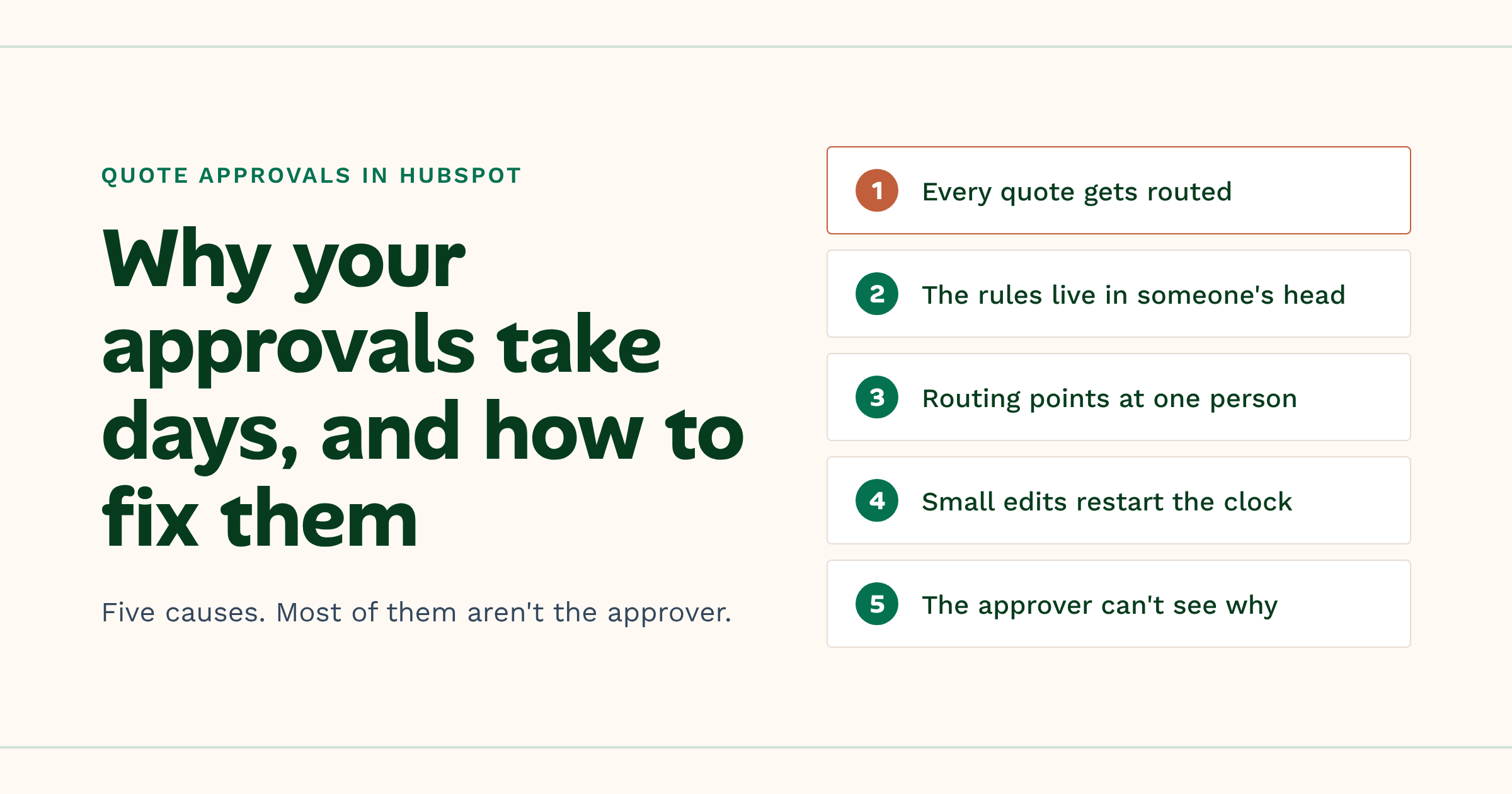
Quote approvals slow HubSpot deals for five reasons. Every quote gets routed. The rules live in someone's head. Approvals go to one named person...
 Ryan Huff: Nov 16, 2026, 11:47:55 AM
It's been a big month, already. So, rather than waiting another two weeks, we thought we'd send this one out now.
Ryan Huff: Nov 10, 2026, 6:15:01 AM
Available on the Enterprise plan. Every account gets the price it negotiated on every quote, without a spreadsheet, a duplicate product or a second...
 Nikki Zangardi : May 1, 2025, 12:30:00 AM
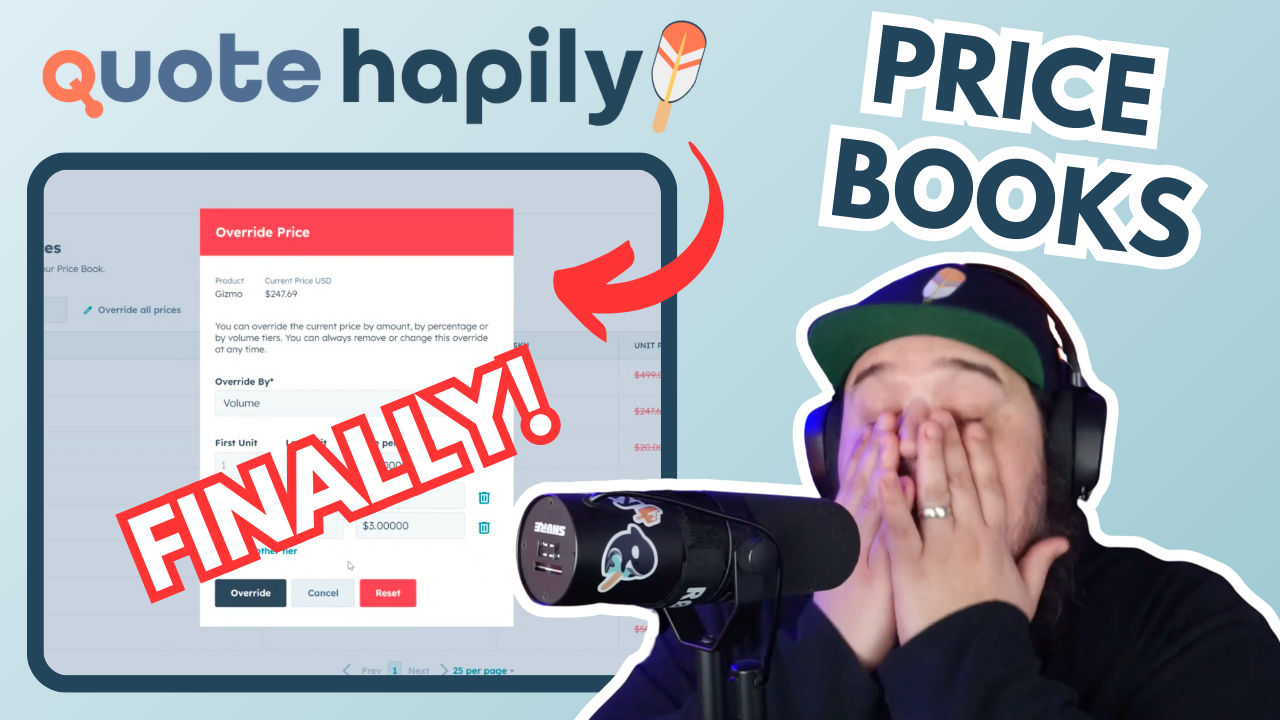
Streamline your HubSpot quoting with Quotivity's Price Books for accurate, automated, and controlled pricing, eliminating errors and boosting sales...
 Ryan Huff : Oct 19, 2026, 5:00:00 AM
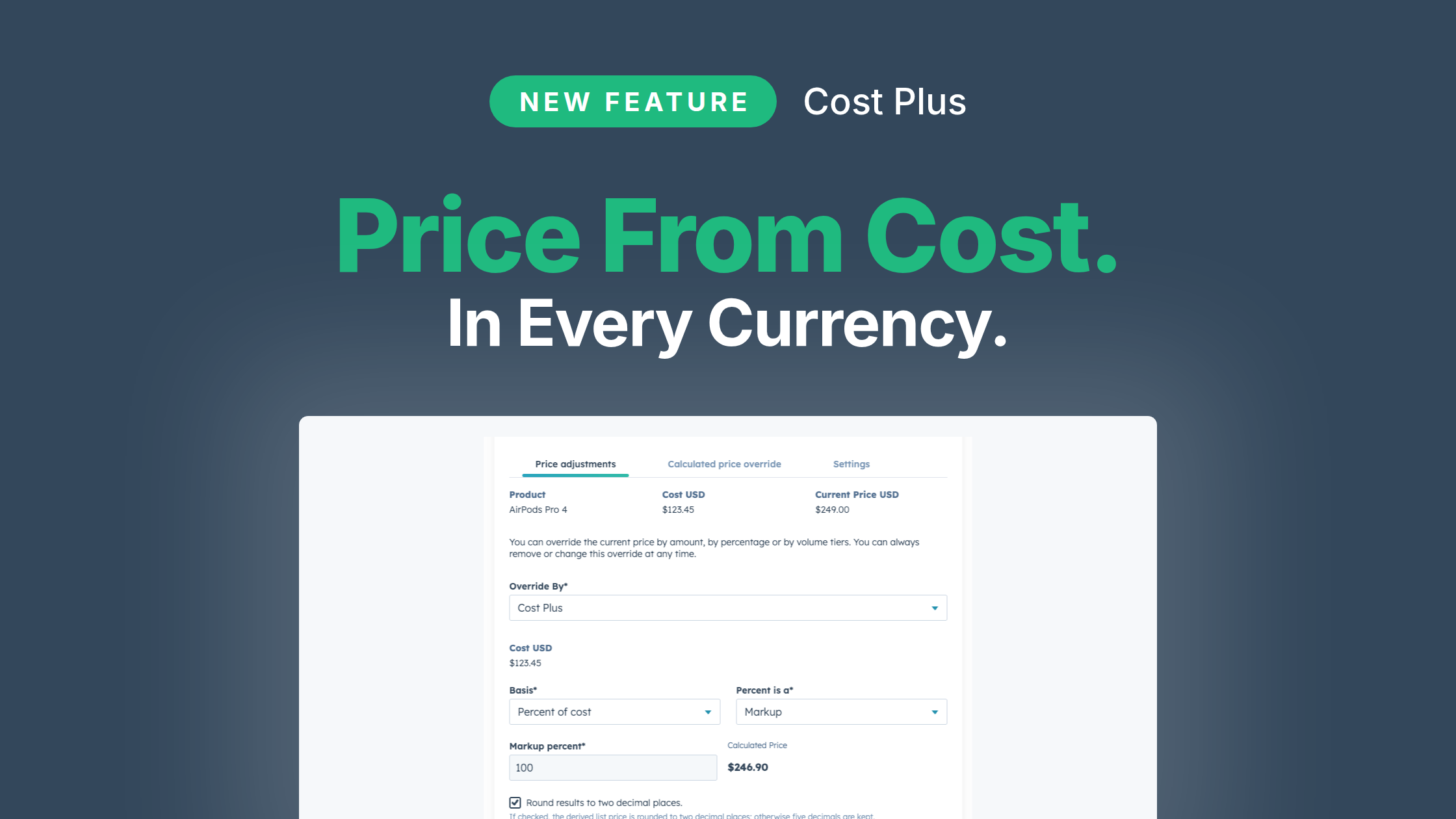
Streamline your pricing strategy with Cost Plus in Quotivity, simplifying multi-currency adjustments and enhancing profitability without the hassle...
 Ryan Huff : Feb 23, 2026, 7:59:59 AM
Manage pricing changes effortlessly with Quotivity’s new Price Book Effective Dates feature, ensuring accurate, consistent, and automated pricing...